Can you fix a shaky old home video? What is really possible
Learn what modern software can actually do to smooth out bouncy family footage, and why some vintage camera shake is better left alone.
Dan Warner · 1 October 2026 · 4 min read

You can fix a shaky old home video to a modest degree, but software cannot eliminate every violent jolt. Digital stabilization smooths gentle drifting and minor tremors when someone stood in one spot. When the camera operator walked, ran, or suddenly jerked the lens, the resulting motion blur is baked into the recorded picture forever.
Before you invest days trying to steady hours of old tape, it helps to understand what digital tools can actually achieve and what visual sacrifices they demand.
Why old home movies bounce so much
When you play back digitized tapes from decades past, you immediately see a distinct rhythmic bounce. This was not because your parents or grandparents had unsteady hands. It was the physical reality of the equipment.
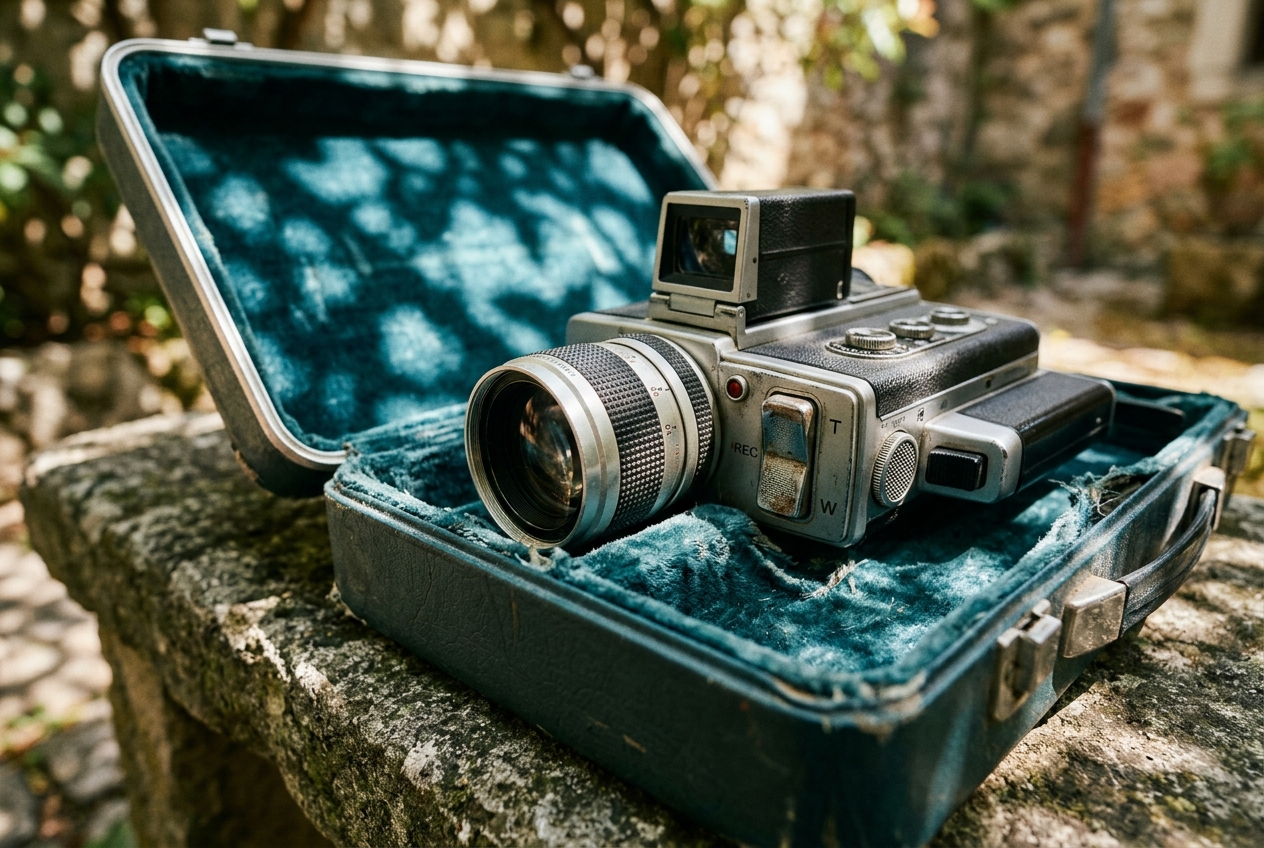
Early portable video gear was heavy and cumbersome. A full-size camcorder rested squarely on the shoulder, balancing heavy internal motors, large glass elements, and bulky lead batteries. When the operator took a step, that movement traveled directly through the shoulder into the frame. Later compact formats were lighter, but they required a tense grip with both hands. You can see how this equipment developed across decades in our look at the history of the home video camera.
None of these early analog machines possessed optical stabilization or digital sensors that counteracted sudden movements. The tape recorded whatever came through the lens without correction.
How digital stabilization works
Modern editing programs offer automated stabilizers. These tools track pixels frame by frame to calculate where the image is wandering.
If the tool sees the picture drifting slightly to the left, it shifts the frame to the right to counteract the motion. To hide the moving borders of the video box, the program zooms into the image. It crops off the edges, giving the picture an invisible safety margin to shift within.
This automatic adjustment works well on gentle sways, but aggressive shaking demands a deep crop. If a video bounces wildly up and down, the software must zoom in significantly to keep the edges hidden. That crop cuts off tops of heads, crops out feet, and reduces overall picture sharpness.
The problem with motion blur and warping
Stabilization software can level the horizon and steady the frame, but it cannot redraw the original scene. Sudden movements cause physical problems that digital tools cannot undo.
Motion blur remains
When a handheld camera jolts quickly in ordinary indoor light, the sensor captures a blurred frame for that fraction of a second. If software anchors that frame so it stops moving, the blur does not disappear. The footage stays locked in position while the picture periodically turns blurry and then snaps back to clarity. A perfectly still video that pulses with sudden blurs often feels more jarring to watch than the original shake.
The gelatin effect
When an algorithm tries to balance complex diagonal shifts or rapid pans, it can distort straight lines. Doorways, picture frames, and walls begin to ripple like water. Video editors refer to this as the gelatin or rolling shutter effect. If stabilizing a clip makes the room bend, the software is overworking, and the correction looks worse than the natural handheld movement.
Practical steps to clean up shaky footage
Rather than applying a blanket stabilization effect to an entire tape, working in small steps produces far cleaner results.
- Split the footage into short segments. Avoid running a stabilizer across a five-minute recording. Cut the footage into three-second or five-second clips.
- Isolate quiet moments. Apply stabilization only to segments where the camera was aimed steadily at one subject and the background remained relatively still.
- Keep the strength low. Most editing applications allow you to adjust the smoothness setting. Lower the strength from the default value so the tool takes out harsh vibrations without warping the edges.
- Trim the chaotic transitions. Home videographers often kept recording while walking across a lawn or lowering the camera to their hip. Cutting out those chaotic swings instantly improves the viewing experience.
Trimming long, wandering recordings into clear highlights makes old tapes far more enjoyable for everyone. If you have boxes of digitized material and want advice on sorting through it, read our guide on what to do with old home videos.
Preparing old clips for a family celebration
If you are gathering footage for a milestone party, a golden wedding, or a memorial gathering, shaky clips can be a real distraction on a large screen. You want people watching the subject, not getting dizzy from thirty-year-old camera shake.
Linof turns your family photos and video clips into a polished short film with music and titles, and your first photo animation is free. That way, you can build a meaningful tribute without spending evenings wrestling with technical editing software.
If you are currently choosing materials for an upcoming gathering, our guide on choosing photos and videos offers straightforward advice on picking the clearest, most memorable moments from your archives.
When to leave the camera shake alone
Not every bounce needs fixing. The natural motion of a handheld camera is an authentic part of family history.
When a shot wobbles because a mother was laughing while filming her toddler, or because an uncle was backing up quickly to fit everyone into the frame, that motion carries genuine feeling. It reminds everyone that a living family member was behind the lens, sharing the room and reacting in the moment. Stabilize the gentle drifting shots where you want clear focus on a face, cut the dizzying stretches of floor and lawn, and let the rest of the natural camera movements tell their true story.
Questions
Can video editing software remove all camera shake from an old tape?
Software can smooth out gentle hand tremors and slow drifting, but it cannot fix violent jerks. Sharp movements bake motion blur into the image, which remains visible even if the frame is locked in place.
Why does my video look blurry after using digital stabilization?
Stabilizers zoom in and crop the edges of the frame to hide the borders as the picture moves, which lowers the resolution. Additionally, any motion blur caused by the camera moving during exposure stays in the picture, making the steady frame look out of focus.
What is the best way to handle very shaky home video clips?
The best approach is to trim out the wild transitions, such as footage of the floor or sudden pans, and keep only the moments where the camera settled on a subject. Apply stabilization only to short, quiet clips using low strength settings.
Written by
Dan Warner