How to convert Betamax tapes to digital
Converting Betamax tapes requires a working player, standard RCA cables, and a USB capture card. Here is how to digitize old tapes safely at home or choose a lab.
Dan Warner · 1 October 2026 · 6 min read

To convert Betamax tapes to digital, connect a working Betamax player to an analog capture card using RCA cables, plug the card into your computer, and record the tape in real time using capture software. If you lack a working Betamax machine, sending the tapes to a dedicated transfer lab is the most practical path, because working players are scarce and mechanical repairs require specialized tools.
Betamax cassettes hold irreplaceable family moments, from living room birthdays to long road trips. Because magnetic tape degrades over decades, preserving that footage on modern storage ensures those memories stay accessible. Whether you have one tape or a full carton, getting those recordings safely onto a hard drive is completely doable.
The challenge of finding a working Betamax player
The most difficult step in home Betamax conversion is the playback deck. Manufacturing stopped years ago, so the supply of functional machines is much smaller than that of standard VHS players. Unlike VHS, which remained widespread across multiple makers, Betamax hardware has become a collector item.
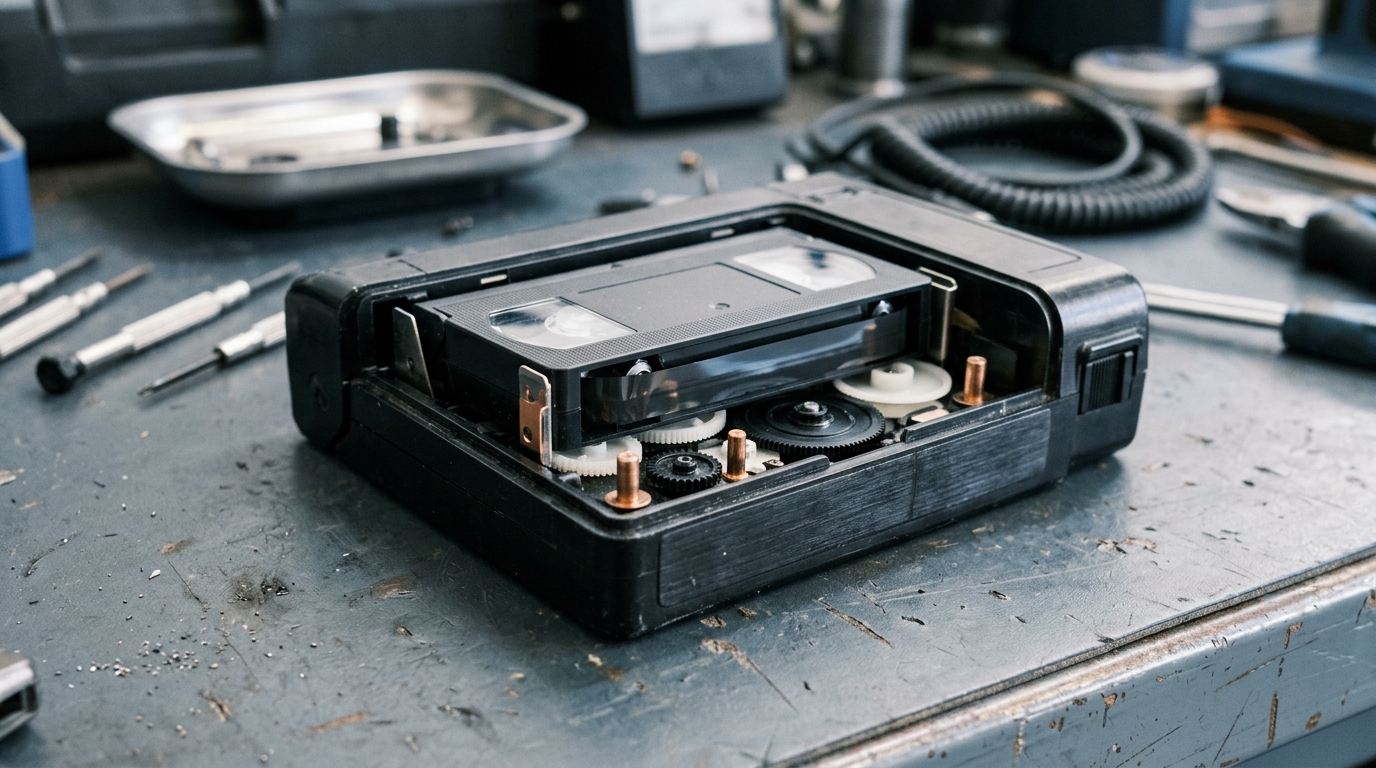
If you find an old player in an attic or closet, inspect it carefully before sliding in a precious family recording. Internal drive belts dry out and turn into a sticky mess that stops the motor from turning. Internal parts called capacitors can fail, and recording heads collect dust in storage.
Before inserting an important tape, test the player using a commercially purchased movie or an empty tape you can afford to lose. If the machine eats the test ribbon, refuses to eject, or makes loud grinding noises, it requires service before it touches a personal memory. If you must buy a refurbished machine, prepared units that have new belts and clean heads often cost several hundred dollars. If you are comparing formats, our guide on how to convert VHS explains how standard VHS setups differ.
Checking your tapes for damage
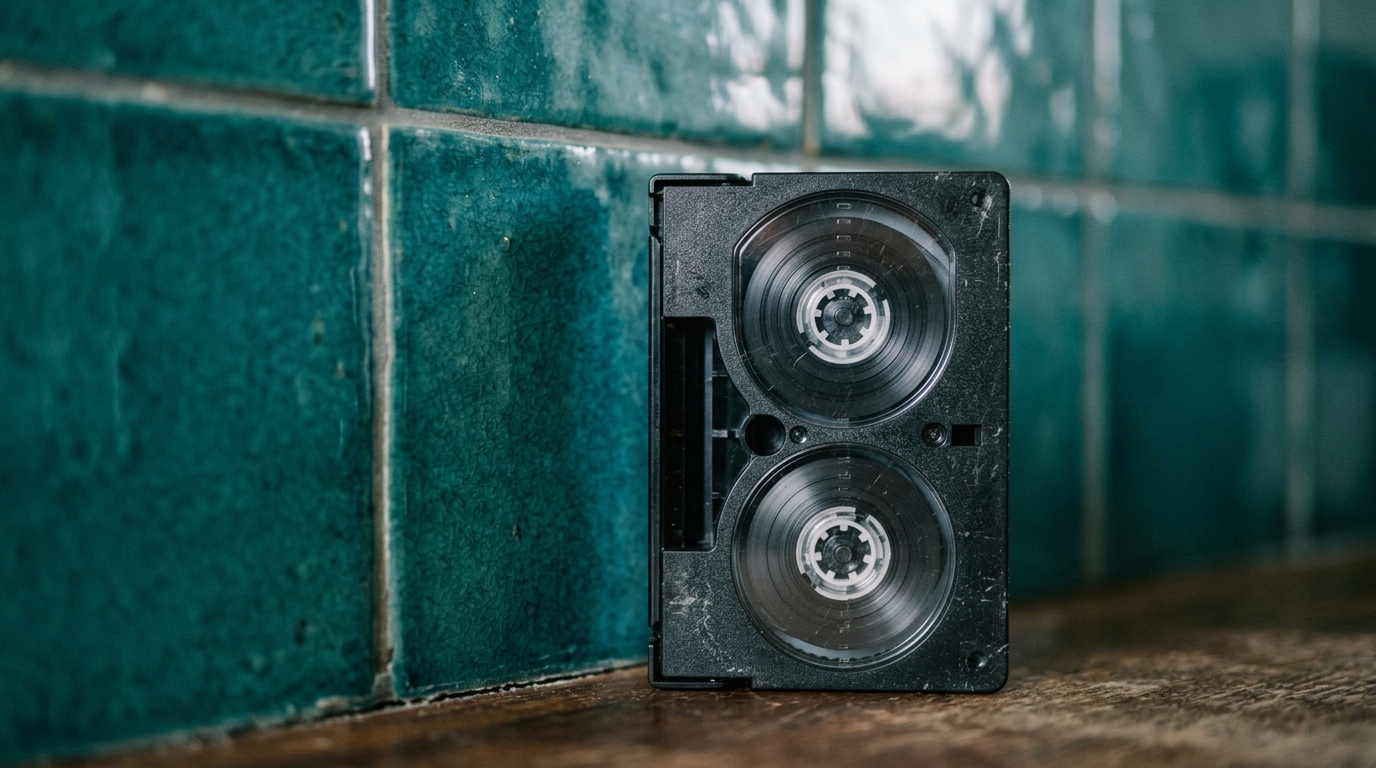
Before loading any cassette, hold it up to a strong lamp and peer through the small clear plastic window. Look closely at the dark ribbon wound around the hubs. If you see white, chalky residue or fuzzy spots, the tape has mold.
Never place a moldy tape into a player. The spinning heads will pick up mold spores, spread them through the internal mechanisms, and ruin every subsequent tape you play. Moldy ribbons require gentle mechanical cleaning by a restoration lab before playback. If the magnetic ribbon looks dark, shiny, and smooth across both spools, the tape is ready for capture.
Equipment needed for home capture
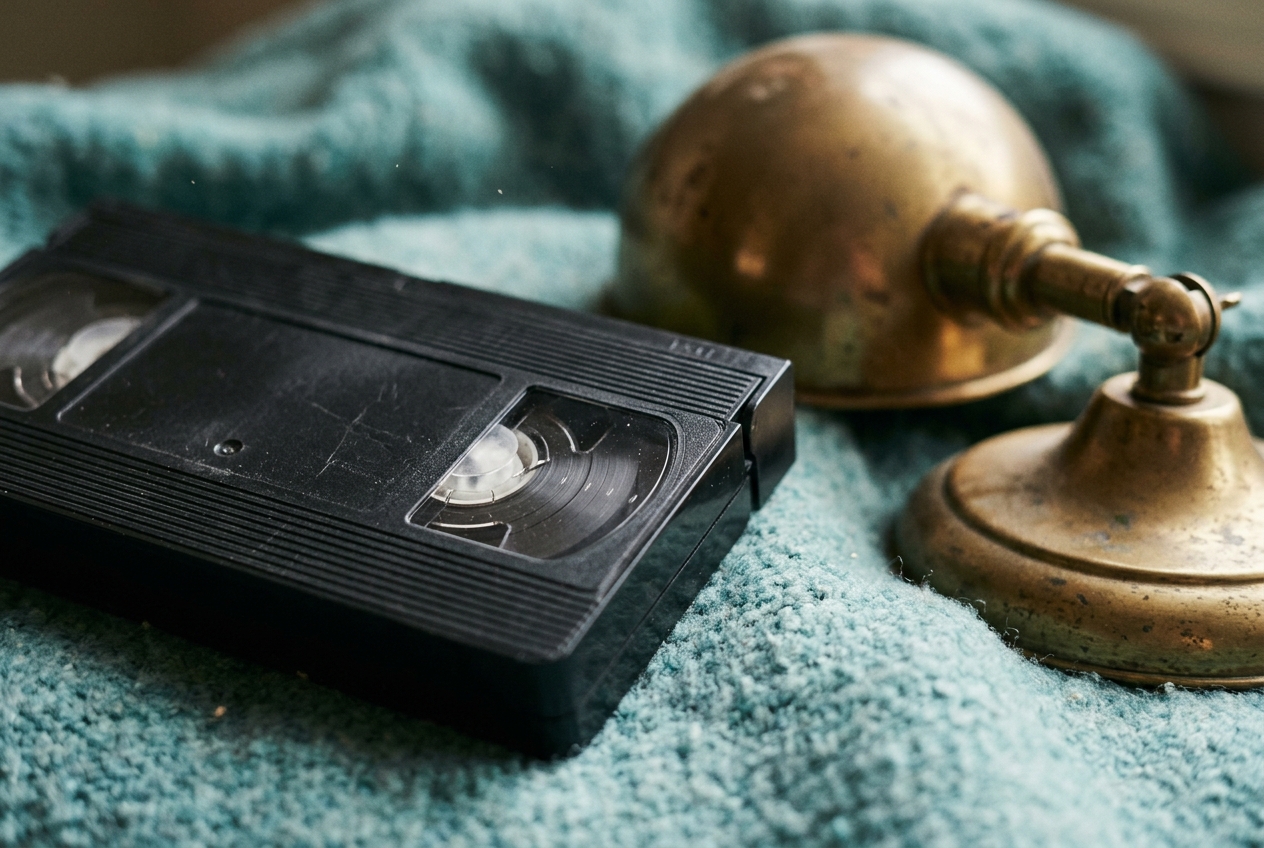
If your player runs smoothly, you can assemble your capture rig with three basic items:
- RCA composite cables: These cables have yellow, red, and white connectors. The yellow plug sends standard definition composite video, while the red and white plugs carry left and right stereo channels. Plug them into the line out jacks on the back of the player.
- A USB video capture device: This compact unit accepts the RCA cables on one end and plugs into your computer port on the other. It translates the analog voltage into a digital video stream. Standalone hardware boxes also exist that capture directly to an SD card without needing a PC.
- Capture software: Free recording software such as OBS Studio gives you complete control over audio levels and video frame rates. Many capture cards also include basic recording software designed for simple one-click digitization.
Step by step: Capturing your footage
Once the cables are seated firmly, you can begin the transfer process. Digitizing analog video always occurs in real time, so an hour of footage takes exactly one hour of playback.
- Fast-forward the tape entirely from beginning to end, then rewind it completely. This step, called exercising the tape, evens out mechanical tension across the spools and helps prevent older tape from sticking to itself.
- Open your capture software and select your USB capture device as the video and audio source.
- Set your canvas to standard definition. Betamax delivers analog television resolution, so recording at high definition resolutions will not restore missing detail. It only produces unnecessarily large files. Choose standard NTSC or PAL resolutions matching the original broadcast format of your home country.
- Press record inside your software, then press play on the front panel of the Betamax player.
- Monitor the capture as it runs to ensure the picture remains steady.
- Stop the software recording as soon as the home footage ends, then safely eject your tape.
A crucial practice: the hardware test pass
Analog captures frequently suffer from desynchronized sound. As the computer processes incoming frames, the audio track can slowly drift away from the picture, causing voices to lag behind mouth movements.
Avoid recording an entire two-hour cassette before discovering a timing issue. Run a short two-minute test recording first. Stop the capture, open the resulting digital file, and watch for correct audio synchronization when people talk. Check for flickering horizontal bands across the screen. If you see static lines, use the manual tracking wheel on the player until the picture stabilizes. Once your test file plays with clear sound and stable framing, rewind the tape and capture the complete recording.
When to use a professional service
Deciding between personal digitizing and sending tapes to a lab depends on your budget, tape count, and available time. If you only own two or three Betamax cassettes, buying a refurbished player and capture hardware is rarely worth the expense. A dedicated transfer lab already owns calibrated playback decks, professional routing equipment, and signal stabilizers that keep older signals steady.
For readers who prefer a professional transfer, our sister lab Photo Linof provides Betamax tape digitization handled by technicians with decades of film and tape experience. Doing the work at home becomes cost effective when you have dozens of tapes to archive, or when you enjoy learning vintage electronics and handling media yourself.
Organizing and backing up your new video files
Save your finished captures in the MP4 file format using the modern H.264 compression codec. This format plays smoothly on smart televisions, phones, and tablets without requiring specialized media player software.
Avoid generic file names like Tape1.mp4. Name files clearly right after capture, using descriptive tags such as 1986-Summer-Picnic.mp4 or 1991-School-Concert.mp4. Organized file libraries make it simple to locate specific events later on. For ideas on sorting through a large archive, explore our advice on what to do with old home videos.
Protect your new files by following standard storage precautions. Computer hard drives and USB drives can stop working unexpectedly. Keep one working copy on your primary computer drive, a second copy on a dedicated external drive kept in another room, and a third copy stored in secure cloud storage. Once your footage is safely stored on your drive, you can decide how to share those memories with relatives.
If you want to turn digitized tape clips into a finished keepsake for a celebration or gathering, Linof creates a short, polished film from your family photos and home video clips, with music and titles ready in minutes, and your first photo animation is free.
Questions
Can you play a Betamax tape in a standard VHS player?
No, Betamax and VHS are completely different, incompatible cassette formats. Betamax cassettes are noticeably smaller than VHS tapes and feature distinct internal mechanical tape-loading designs. Forcing a Betamax tape into a VHS deck will damage both the tape ribbon and the player.
Why does my digitized Betamax video look blurry on a modern screen?
Betamax was built for standard definition tube televisions, which displayed far fewer lines of picture detail than modern flat screens. When low-resolution analog video stretches across a large modern monitor, individual picture scan lines become soft and visible. Digitizing saves the recorded moment safely, but it cannot invent fine detail that the analog tape never captured.
How long do recorded Betamax tapes last before losing their picture?
Under clean, dry indoor conditions, magnetic video tape often remains playable for several decades. However, heat, humidity, and magnetic fields cause gradual loss of color saturation and signal strength over time. Digitizing your tapes as soon as possible ensures the picture is preserved before the magnetic binder flakes away.
Written by
Dan Warner