Restoration vs colorization: what is the difference
Learn the difference between photo restoration and colorization, which step to tackle first, and how each brings your family pictures back to life.
Dan Warner · 23 November 2026 · 6 min read

Restoration repairs physical damage and age marks on an image, while colorization adds new color tones to a monochrome picture. Restoration returns a photograph to how it looked the day it was printed, or even how the negative looked in the camera. Colorization interprets the scene and fills in shades of skin, fabric, and sky where only grey values existed before.
When you open an old shoebox before an important family gathering, you will often find prints that need both treatments. Deciding which process to choose, or what order to follow, changes the final look of your pictures.
What photo restoration actually fixes
Restoration is all about repairing the physical decay of the print or negative. Over decades, paper bends, emulsion cracks, and moisture leaves stubborn stains.
When a picture is restored, the work focuses on the structure and tone of the original exposure:
- Removing cracks, tears, creases, and tape marks across the paper.
- Cleaning off dust specks, water spots, mildew, and fingerprint oils.
- Balancing contrast and brightness so shadows and highlights show clean detail.
- Correcting chemical fading or silver mirroring caused by aging emulsions.
If you have a faded print from the 1970s that turned completely orange, correcting that shift back to realistic tones is also part of restoration. To understand why this happens over time, you can read our guide on how to remove yellow tint from old photos. The core goal of restoration is preservation. It does not invent new details: it recovers what was already captured by the lens.
What colorization actually does
Colorization takes a black and white or sepia image and paints it with natural colors. Early photographers did this by hand with fine brushes and oil pigments or aniline dyes. Today, modern digital tools analyze the luminance of each pixel to apply plausible shades.
Colorization involves specific creative and technical steps:
- Identifying surfaces such as skin, hair, wool jackets, brick walls, and foliage.
- Applying natural skin tones that reflect realistic warmth and light.
- Reconstructing environmental hues such as grass, sky, or vintage car paint.
- Matching the subtle light spill from surrounding objects across a face or dress.
Unlike restoration, colorization always introduces new information. It is an informed guess based on historical research and photographic context. If you want to explore the history and practical methods behind this art, take a look at our article on how to colorize black and white photos.

The core difference between the two
To keep the two straight, think about truth versus interpretation.
Restoration is forensic work. The technician or tool looks at the pixels around a scratch and fills in the gap using the surrounding texture. Nothing new is added to the scene. The grandfather in the 1940s portrait looks clearer, but he remains in the monochrome palette of his original print.
Colorization is interpretive work. The black and white tones only tell you how dark or light something was, not what color it was. A medium grey suit could have been navy blue, charcoal, brown, or olive green. Colorization chooses one of those possibilities to make the image feel immediate to contemporary eyes.
Here is how they contrast in practice:
- Purpose: Restoration preserves history; colorization bridges time.
- Visual output: Restored photos keep their native palette; colorized photos gain full color.
- Source data: Restoration relies strictly on existing image information; colorization relies on reference materials and educated assumptions.
Which step should come first
Always restore the photo before you colorize it. This rule prevents muddy colors and uneven tones.
If you attempt to colorize a damaged print, the software or artist will struggle with the blemishes. A deep white crack across a face will be treated as an edge or a bright object, leading to awkward streaks of paint or mismatched skin patches. Dirt spots will turn into dark colored blobs.
When you clean the image first, you create a smooth foundation. Contrast is balanced, scratches are gone, and lighting across the faces is even. Once the monochrome image is crisp and clean, color tones settle naturally across every surface.
Deciding which one you need for your family event
When preparing pictures for an upcoming milestone, you do not always need to colorize every photograph you restore. The right choice depends on the kind of event you are planning and the emotional tone you want in the room.
When restoration alone is best
Sometimes, black and white photography holds a dignity that color disrupts. Keep the original monochrome palette if:
- The photo is a formal studio portrait with dramatic lighting and strong shadows.
- The picture is for a memorial tribute, where historical authenticity and quiet elegance feel most respectful.
- The image has iconic artistic qualities that color might make look modern and casual.
- The family already cherishes the original print exactly as they remember it hanging in a hallway.
Cleaning away the tears and marks while keeping the black and white look honors the era when the picture was made.
When adding color helps
Adding color creates an instant sense of closeness. Consider colorizing when:
- You are celebrating a milestone like an 80th birthday or a golden wedding anniversary.
- The photos include children, candid outdoor games, or holiday parties where bright hues bring back joy.
- Younger generations will be watching, since teenagers and grandchildren often connect faster with full-color scenes.
- You want people at the party to see their parents or grandparents as young, vibrant people living in a world just like ours.
Preparing your photos for a celebration
Gathering photos for a party or memorial often uncovers prints in every state of repair. Some have torn corners, others have faded into pale grey, and several are tiny snapshot prints from simple pocket cameras.
Start by digitizing everything on a flatbed scanner at high resolution, or use a good phone scanning setup in bright, indirect window light. Once your scans are safe on your computer, sort them by person and decade. This makes it easy to select the best moments for a tribute. If you need help choosing the strongest images for a gathering, our guide on choosing photos and videos offers simple sorting advice.
If you want to bring these moments to life for a celebration, Linof repairs old photos, restores their color, and animates them into short moving shots set to music for an event film, with the first animation free.
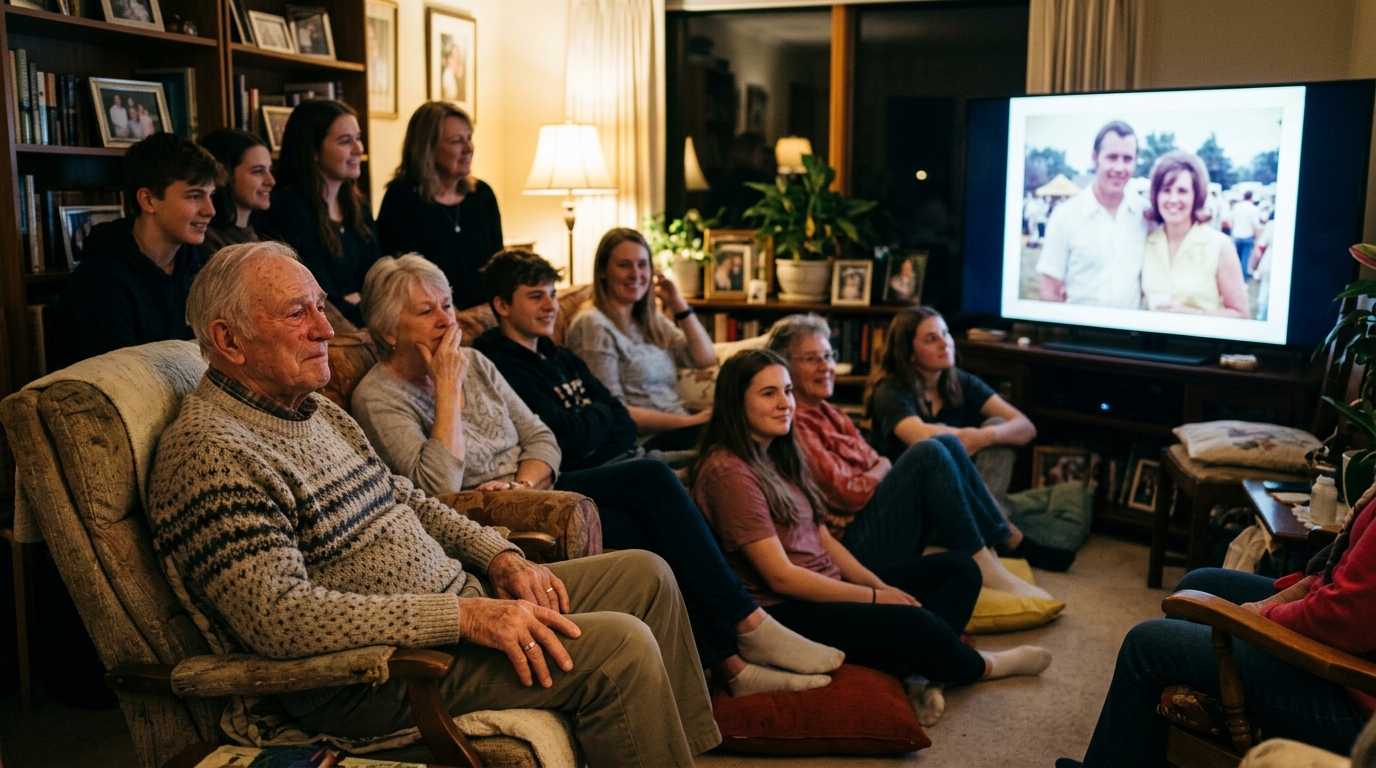
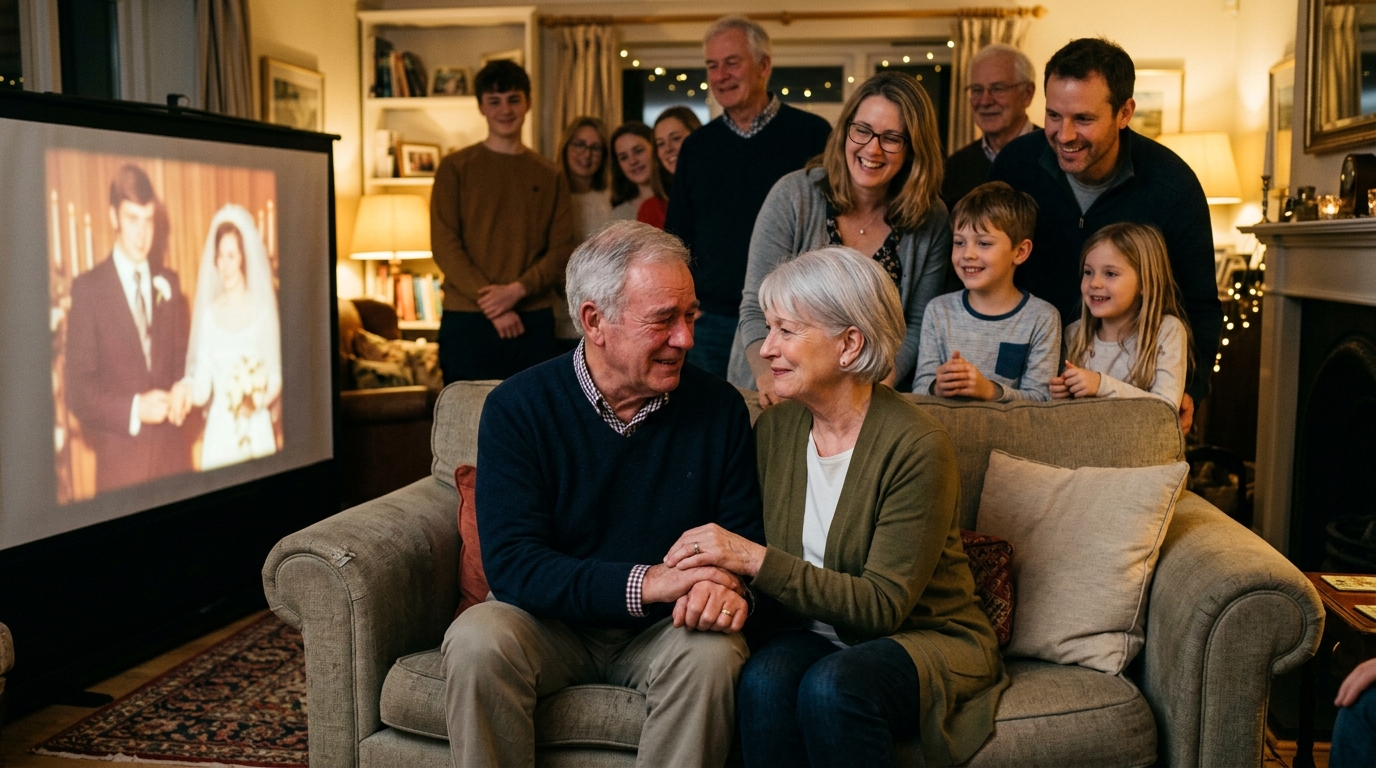
Seeing a still portrait blink, turn, or smile gently on a large screen during a toast shifts the mood in the room completely. It turns an old album into an experience the whole family can watch together.
Combining both for the best result
Restoration and colorization are not opposing choices. They are two stages of the same thoughtful craft. Restoration gives you back the photograph your family captured decades ago, free from the damage of water, sun, and rough handling. Colorization steps in after that repair is complete, offering a fresh window into that day.
Take your time reviewing the prints on your table. Clean the damage first, decide which pictures truly benefit from color, and build a collection that honors your family story for years to come.
Questions
Does colorizing an old photo damage the original print?
Colorizing a photo digitally never touches the physical print. You scan the original picture to create a digital file, and all cleaning and color work happens on that copy while your original print stays safely stored away.
Why do some colorized photos look unnatural?
Unnatural results usually happen when color is applied over an unrestored print with poor contrast or heavy stains. Skin tones can also look flat if the process does not account for natural undertones and the way warm light bounces off clothing and backgrounds.
Should I keep the black and white version after colorizing?
Yes, always keep the restored black and white file alongside your colorized copy. The monochrome version preserves historical accuracy for family records, while the colorized image gives you an engaging option for events and gifts.
Written by
Dan Warner