How to make a tribute video for a memorial or milestone
Learn how to gather old media, choose the right music, and build a moving tribute video for a memorial or milestone event with simple, practical steps.
Rebecca Lee · 1 October 2026 · 5 min read

To make a tribute video for a memorial or a milestone, gather twenty to forty good pictures, select two or three short video clips, and arrange them around meaningful chapters rather than strict years. Set the images to a gentle instrumental song and keep the entire presentation under five minutes. This length holds the room together, honors the person with care, and avoids technical headaches on the day of the gathering.
Whether you are preparing for a memorial service, an eightieth birthday, or a golden wedding anniversary, taking on this task comes with real pressure. You have a hard date on the calendar, boxes of scattered materials, and a room full of relatives hoping to see the person they love honored properly. Following a clear sequence makes the project manageable.
Gathering your prints and tapes
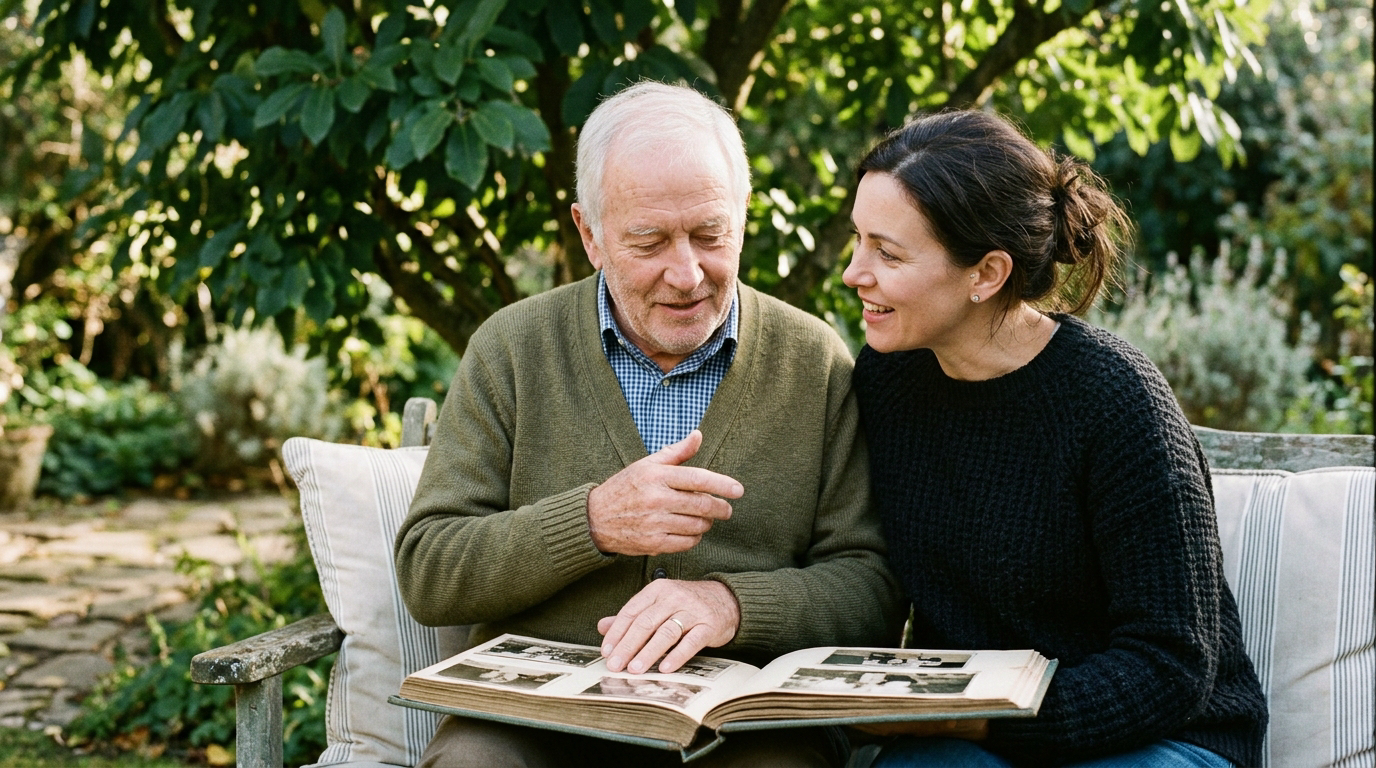
The work starts away from the computer screen. Pictures and home recordings are usually scattered across closets, basements, and phones across several households. Reach out to siblings, cousins, or close friends early and ask for specific memories rather than everything they own.
Look for materials across three distinct buckets:
- Childhood and early beginnings: school portraits, baby photos, or military service pictures.
- Building a life: wedding days, first homes, early vacations, and working life.
- The wider circle: family gatherings, grandchildren, hobbies, and quiet candid moments.
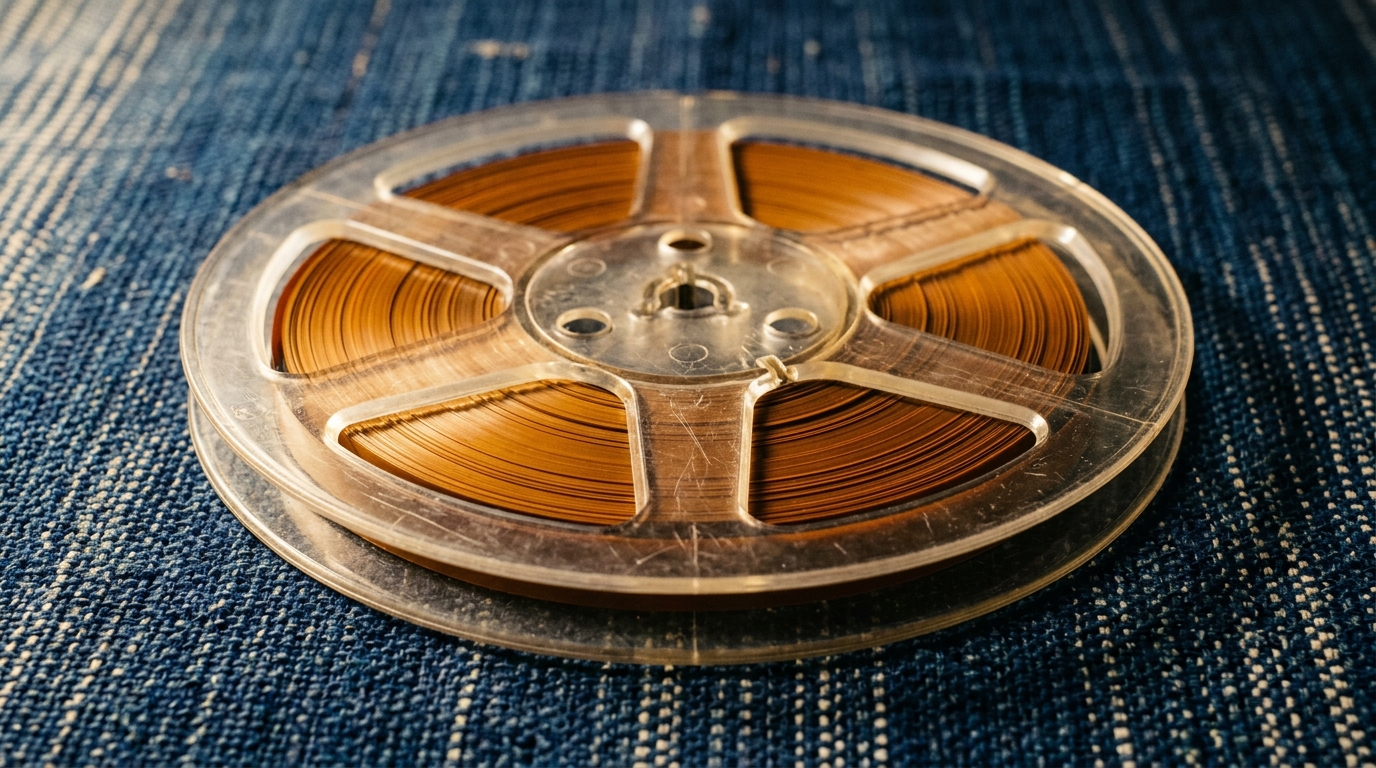
If you have videotapes or old cassettes, you will need to get them onto a drive before you can work with them. If you are starting with tapes from a camcorder, read our guide on how to convert VHS to digital. For paper prints, a basic flatbed scanner or a dedicated phone scanning app works well. Wipe the glass clean before you begin so dust specks do not turn into large marks on an event projector.
Choosing the right pictures
When going through hundreds of family photographs, it is easy to get stuck. The secret to a strong tribute is selection, not volume. Aim for pictures that show personality over formal poses. A picture of your father laughing while covered in grease under an old car tells the room more about him than three nearly identical studio portraits in a suit.
For practical advice on narrowing down your pile without feeling guilty about what you leave behind, read our guide on choosing photos and videos.
Keep these points in mind while selecting:
- Check the focus on faces: small prints can look sharp on a phone but turn fuzzy on a six-foot screen.
- Pick clear expressions: look for direct eye contact, genuine laughter, and unposed moments.
- Show relationships: include pictures of the person interacting with parents, spouses, siblings, and grandchildren.
- Avoid repetition: choose the single strongest shot from an event rather than five variations of the same scene.
Structuring the story
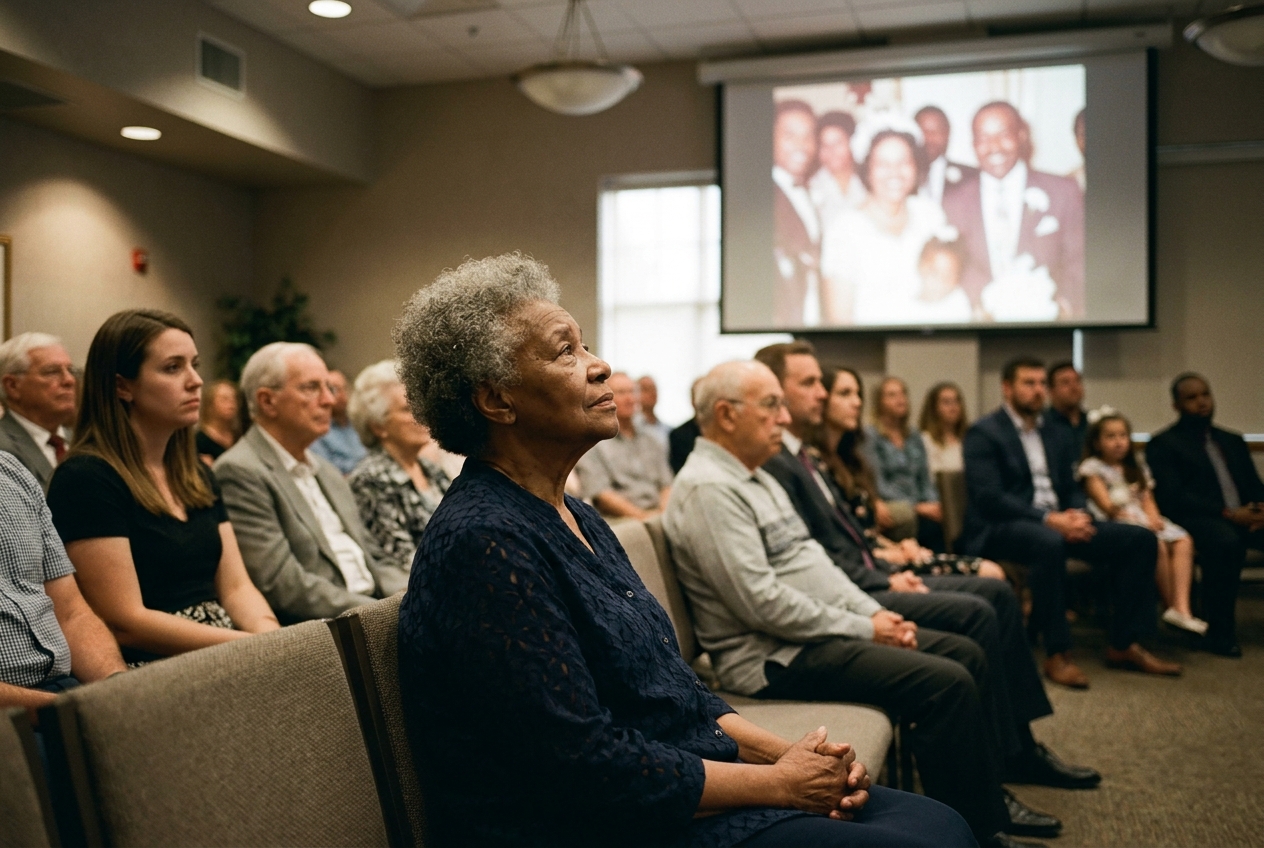
Many tribute videos follow a simple line from birth to the present day. While chronological order is easy to build, organizing your material into chapters often creates a more meaningful experience for the audience. Chapters allow you to highlight who the person was in different parts of their life.
You might start with an opening title, move through their youth, dedicate a section to their central passions or career, spend time on their family, and close with recent warm portraits. For guidance on how to begin and conclude your presentation gracefully, see our advice on an opening and closing.
Mixing still pictures with short video snippets keeps the eyes engaged. A quiet portrait followed by a ten-second video clip of the person speaking, waving, or dancing brings immediate life to the screen. Keep video excerpts short. Five to eight seconds of genuine action is usually enough to capture someone's mannerisms.
Picking the music
Music sets the tone for the entire room. In a memorial or milestone setting, instrumental music is almost always the safest and most dignified choice. Songs with loud lyrics compete with the images, pulling people between reading faces and listening to words.
An acoustic guitar, solo cello, or soft piano piece provides warmth without taking over. If the person loved a particular artist, look for an instrumental or acoustic version of one of their favorite melodies. Allow each still photo to stay on screen for three to four seconds. This gives older guests in the back rows enough time to recognize the setting and the people in the picture.
Putting it all together
If you are editing the film yourself, simple video software on your computer will do the job. Place your audio track down first, trim your pictures to the rhythm of the track, and avoid flashy transitions. A clean cut or a gentle dissolve between photos looks timeless and respectful.
If organizing files, fixing fading colors, and timing transitions feels daunting while you are planning an event, Linof can build the film for you: upload your family photos and video clips, choose between a Classic film or a Growing style, and receive a completed film with restored color and gentle animation, where the first animation is free to preview. This frees up your energy so you can focus on welcoming family.
Setting up at the venue
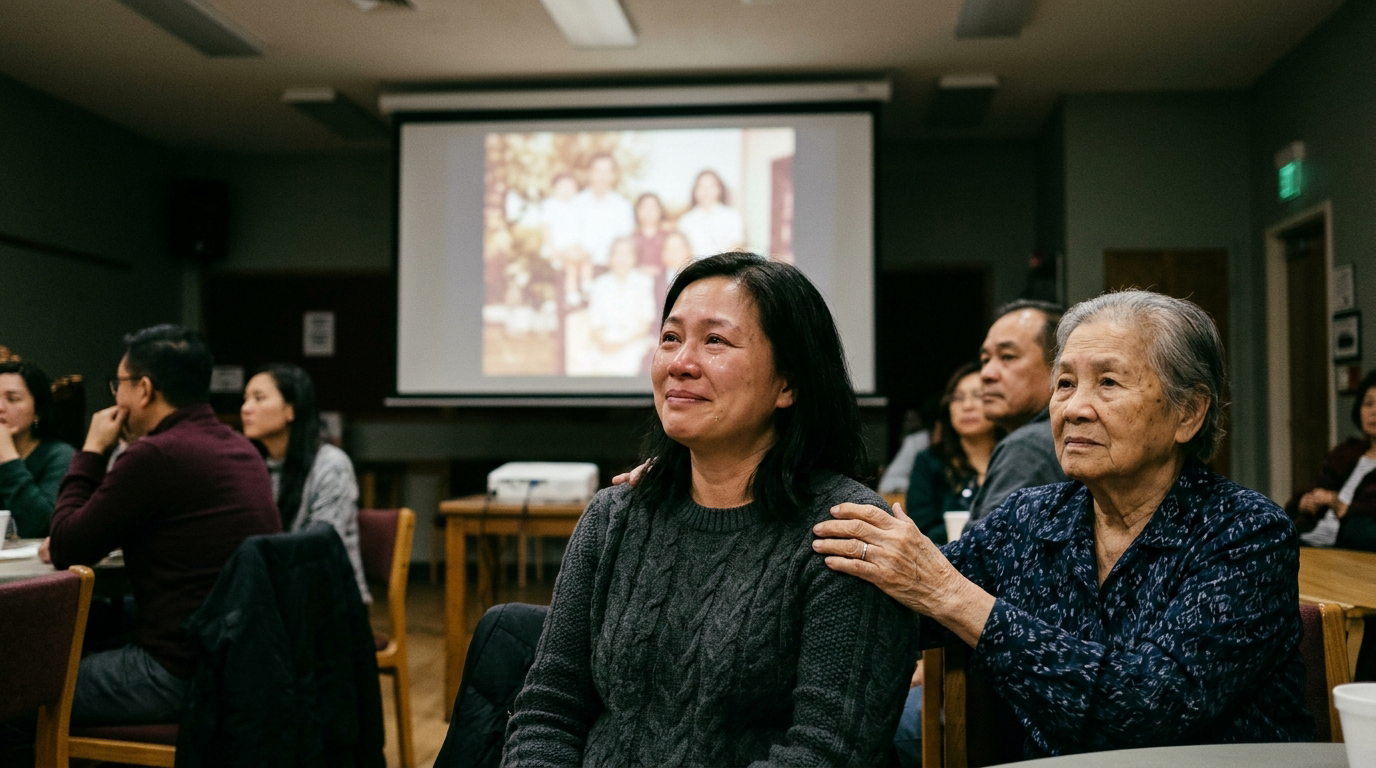
Technical surprises on the day of the event cause unnecessary stress. Never rely on an internet connection at a church, funeral home, community center, or banquet hall. Cellular data and venue Wi-Fi networks often fail when dozens of guests arrive with mobile phones.
Save the completed video file directly to your laptop hard drive, and place a duplicate copy on a USB flash drive in your pocket. Bring your own cables, including an HDMI cord and whatever display adapters your laptop requires. Arrive at least forty-five minutes early to plug into the venue screen and run a complete sound check. Stand in the farthest corner of the room to ensure the picture is centered and the audio is audible without being harsh.
When the lights go down, your work is done. Step to the side of the room and let the memories bring comfort and connection to the people gathered together.
Questions
How long should a tribute video be?
A tribute video should generally run between three and five minutes. This matches the length of one or two songs and holds the audience's attention without dragging. Longer videos often lose emotional momentum in a group setting.
How many photos do I need for a tribute video?
Plan for twenty-five to forty photos for a standard four-minute video. Each photo should remain visible on screen for three to four seconds so viewers can easily recognize faces. If you include short home video clips, reduce the number of still pictures accordingly.
What is the best way to play the video at a venue?
Download the finished video file directly onto your laptop rather than streaming it over venue Wi-Fi. Bring your own HDMI cable and appropriate display adapters, and arrive early to run a full picture and sound test before guests arrive.
Written by
Rebecca Lee