In this article▾
To make a funeral slideshow, gather between thirty and fifty meaningful photographs, place them in loose chronological order, and set them to one or two pieces of gentle music. Each image should stay on the screen for about four to five seconds so guests have time to take in the memory without feeling rushed. You do not need complex editing skills or special equipment to create something that honors a life with care and quiet dignity.
When a death happens, family members often find themselves tasked with organizing decades of memories in just two or three days. It can feel overwhelming to sit before piles of albums or thousands of phone photos while dealing with grief. Taking the process one step at a time helps turn a daunting chore into a comforting tribute.
Decide where and how the film will play
Before picking a single picture, find out what kind of setup the venue provides. A memorial service generally uses a slideshow in one of two ways:
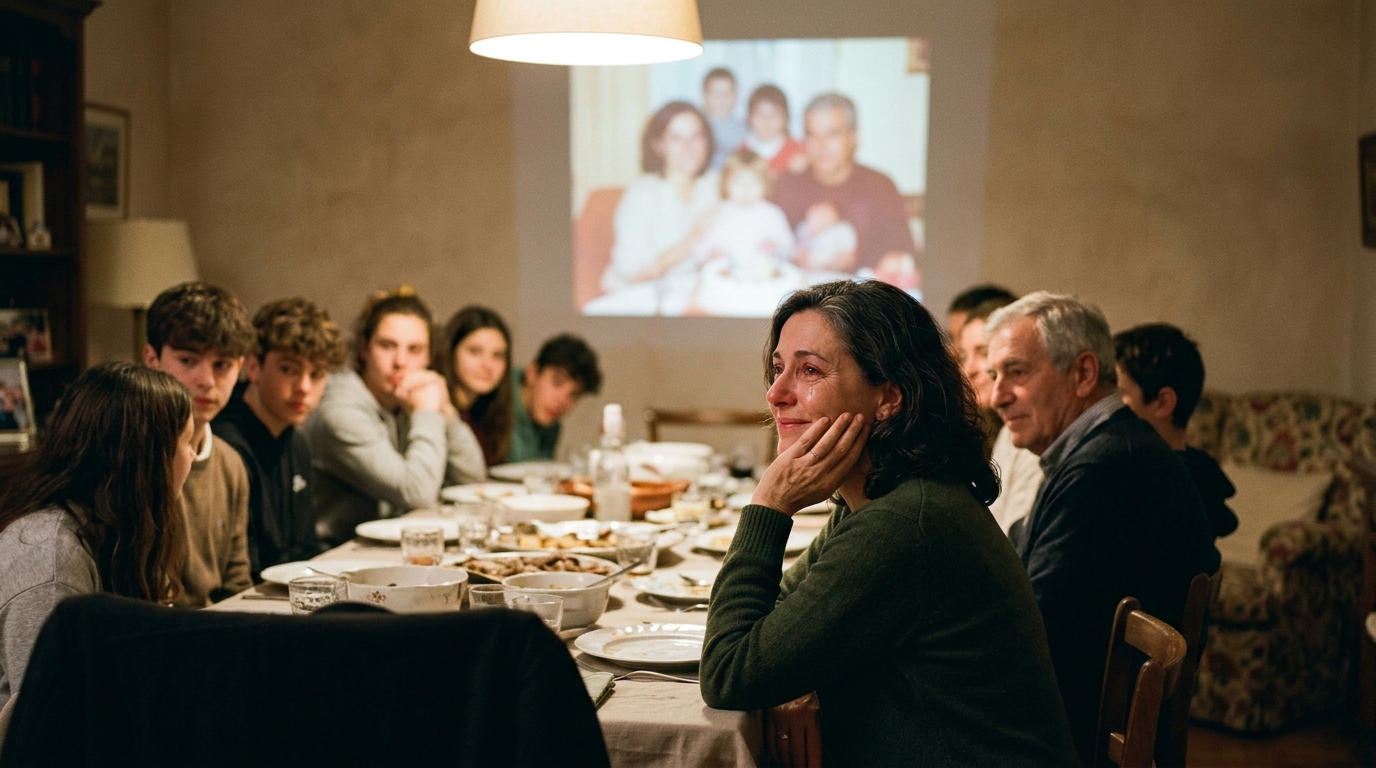
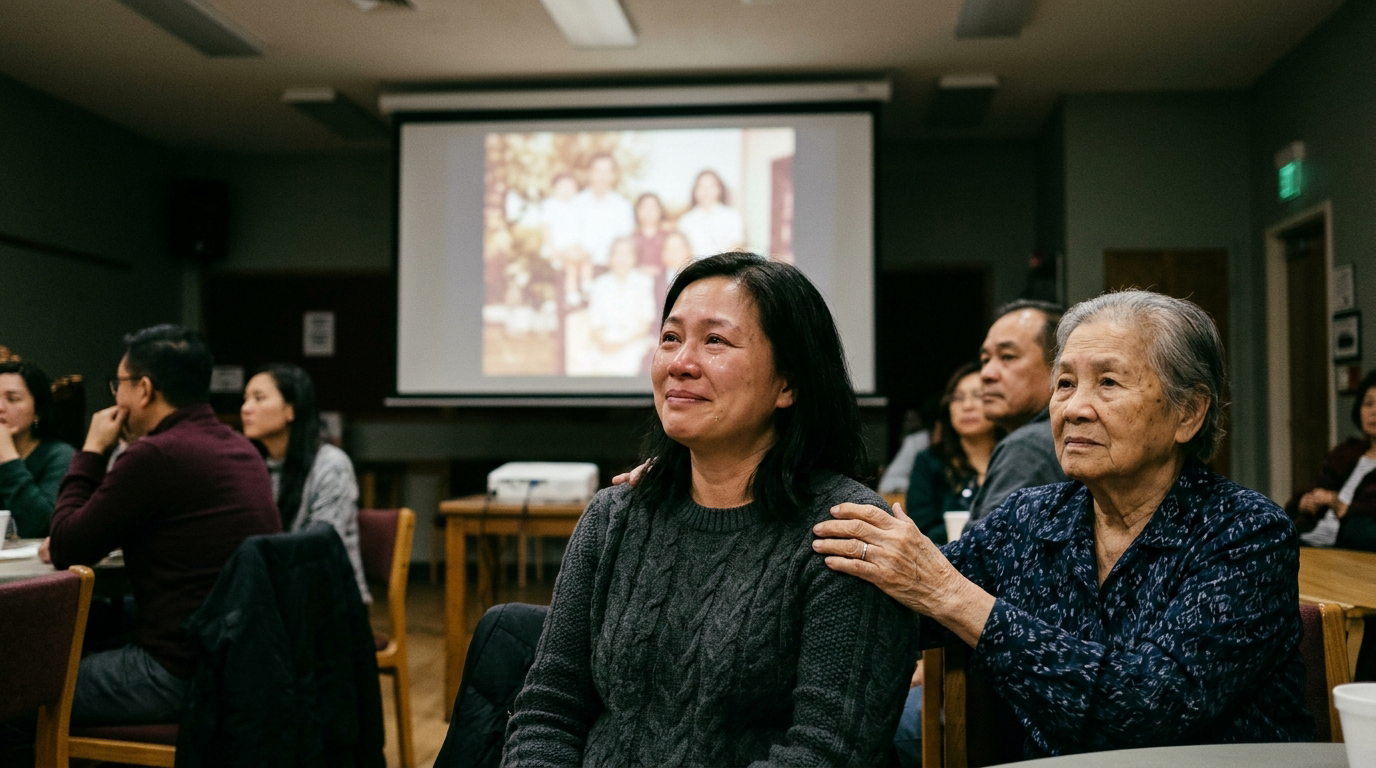
- As a focused tribute during the service: The room falls quiet, lights dim slightly, and everyone watches together for four to six minutes while music plays.
- As a continuous loop during a wake, reception, or shiva: The film runs silently or with soft background audio in a corner of the room, allowing people to look up at it while talking and sharing memories.
If the film is part of the service, shorter is better. Four to seven minutes gives enough time to show a full life without asking people to sit through a lengthy production during an emotionally exhausting day. If it is looping during a reception, you can comfortably include more pictures and let it run for ten to twelve minutes before repeating. You can learn more about finding the right balance in this guide on how long should the film be.
Ask the funeral director or venue staff what connection they use. Most venues provide a television or projector with an HDMI cable, or ask for a video file on a standard USB flash drive. Knowing this early saves you from scrambling for adaptors at the last minute.
Gather and select the photos
Resist the urge to include every picture you find. A smaller set of thoughtful, well-chosen images will touch people much more deeply than hundreds of quick snapshots.
Start by asking close family members to share their favorites. Give each person a specific request, such as their three favorite memories with the person. This prevents an inbox flood of hundreds of uncurated files.
Aim for forty to sixty photos in total. A balanced tribute often includes:
- Early years: Childhood, parents, siblings, and school years.
- Milestones: Weddings, graduations, military service, or early careers.
- Family and friendships: Children, grandchildren, long-time companions, and family trips.
- Hobbies and everyday joy: Gardening, cooking, reading, walking a dog, or laughing around a kitchen table.
- Recent years: Warm portraits or quiet moments from later life.
Be mindful of balance. If the person had several children or grandchildren, ensure each one appears at least once or twice. Include everyday moments alongside big celebrations. Often, a photo of someone laughing in a favorite chair or working in the garden captures their true spirit better than a stiff, formal studio portrait. For more ideas on curating the collection, read this advice on choosing photos and videos.
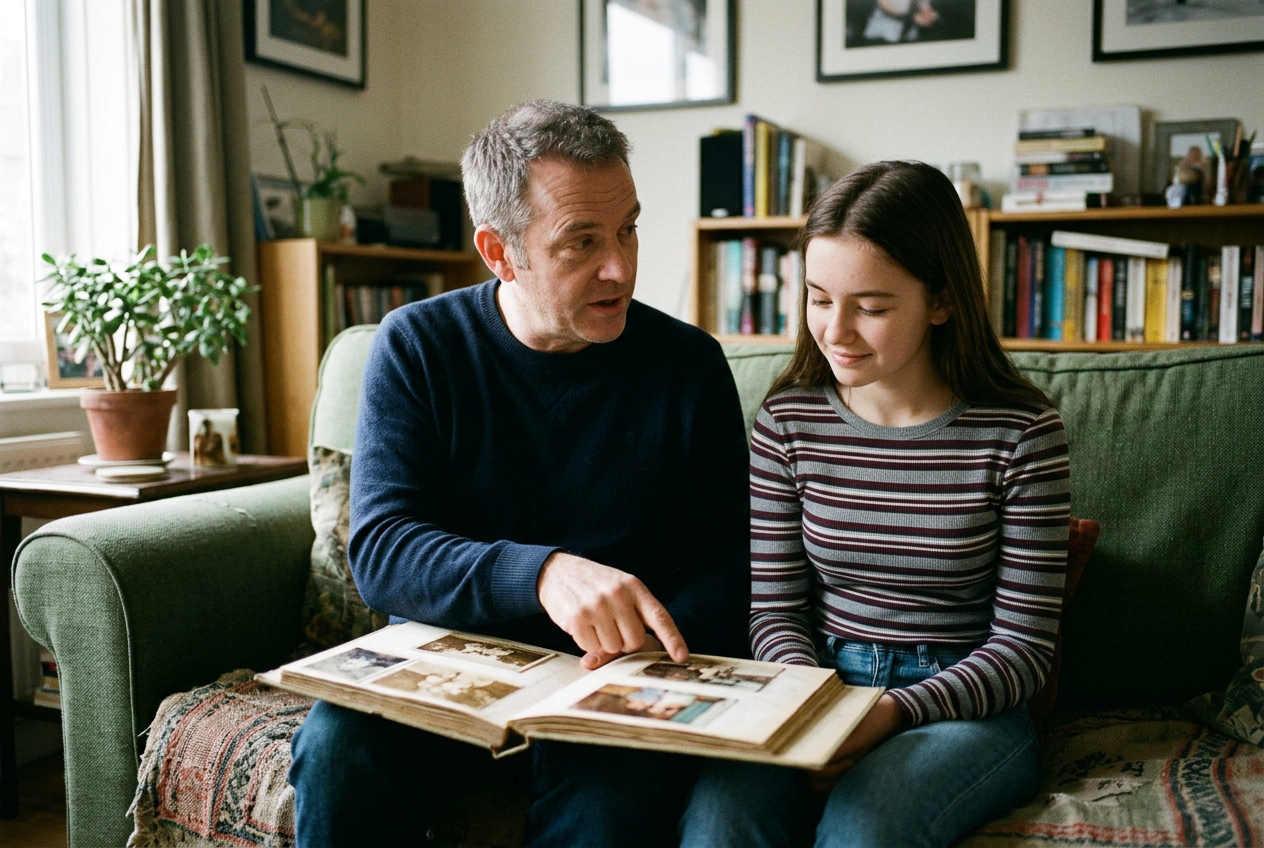
If you have printed photographs, scan them using a flatbed scanner or a phone scanning app in good light. Wipe dust off the glass before scanning, and make sure glare does not cover faces.
Choose the right music
Music sets the tone for the entire room. The best choice is usually something the person genuinely loved listening to, whether that was classical guitar, jazz, folk, or classic country. If their favorite song is too upbeat or has distracting lyrics, look for an instrumental or acoustic version of the same melody.
Instrumental music is often easier for an audience because it does not compete with the images or personal thoughts. Gentle piano, acoustic guitar, or soft orchestral melodies allow guests to reflect without being directed on how to feel.
Two songs are usually plenty for a five-minute film. Make sure the transition between the two songs is smooth. Avoid loud crescendos or abrupt endings. Fade the final song out softly over the last image.
Assemble the slideshow
Simple presentation software works well. Tools like Apple Photos, Google Photos, PowerPoint, Keynote, or basic video editors on your phone can export a clean movie file.
Keep the transitions gentle. A standard cross-dissolve or simple fade to black between sections is far better than spinning tiles, push wipes, or bouncing effects. The goal is to focus attention on the person, not on the software.
Give each photo enough screen time. Four to five seconds per still image allows viewers to recognize faces and notice small details in the background. If you include a short home video clip, keep it to ten or fifteen seconds, focusing on a laugh, a gesture, or a voice.
Start with a clear opening slide showing a favorite portrait, the person's name, and their years of life. End with a portrait that captures their warmth, followed by a simple closing screen. It can be as understated as their name with "Forever in our hearts" or a short phrase they were known for saying.
If you are pressed for time or working with very old prints, Linof can turn your collection of still photos and home clips into a polished memorial film with music and moving camera motion, and your first animation is free to preview before you make any decisions.
Test everything before the service
Technical surprises add unnecessary stress to a day that is already difficult. Always test the video file in advance.
- Export to a standard format: MP4 is the safest video format because almost every modern television, media player, and laptop can open it without issues.
- Put the file on two different USB drives: Label them clearly. Keep one in your pocket and hand one to a trusted family member.
- Visit the venue early: Arrive thirty to forty-five minutes before guests arrive to plug in the drive, test the audio levels through the venue speakers, and check the screen aspect ratio so heads are not cut off.
- Turn off laptop notifications: If you are playing the file from your own laptop, turn off Wi-Fi and set the computer to Do Not Disturb so email alerts and battery pop-ups do not show on the projector screen.
Questions
How many photos should be in a funeral slideshow?+
A typical funeral slideshow uses forty to sixty photos. This provides enough images to tell a full life story over four to six minutes without feeling rushed or repetitive.
How long should a memorial slideshow run?+
If guests are seated and watching the film together during the service, keep it between four and seven minutes. If it is playing silently on a loop during a reception or wake, it can comfortably run for ten to fifteen minutes before repeating.
What is the best music for a funeral slideshow?+
Gentle acoustic guitar, solo piano, or soft orchestral pieces work best because they do not distract from the photographs. If you want to use the person's favorite song, an instrumental or acoustic version is often the most peaceful choice.
Written by
Rebecca Lee