Creating a great opening and closing
The Linof team · September 29, 2026 · 4 min read
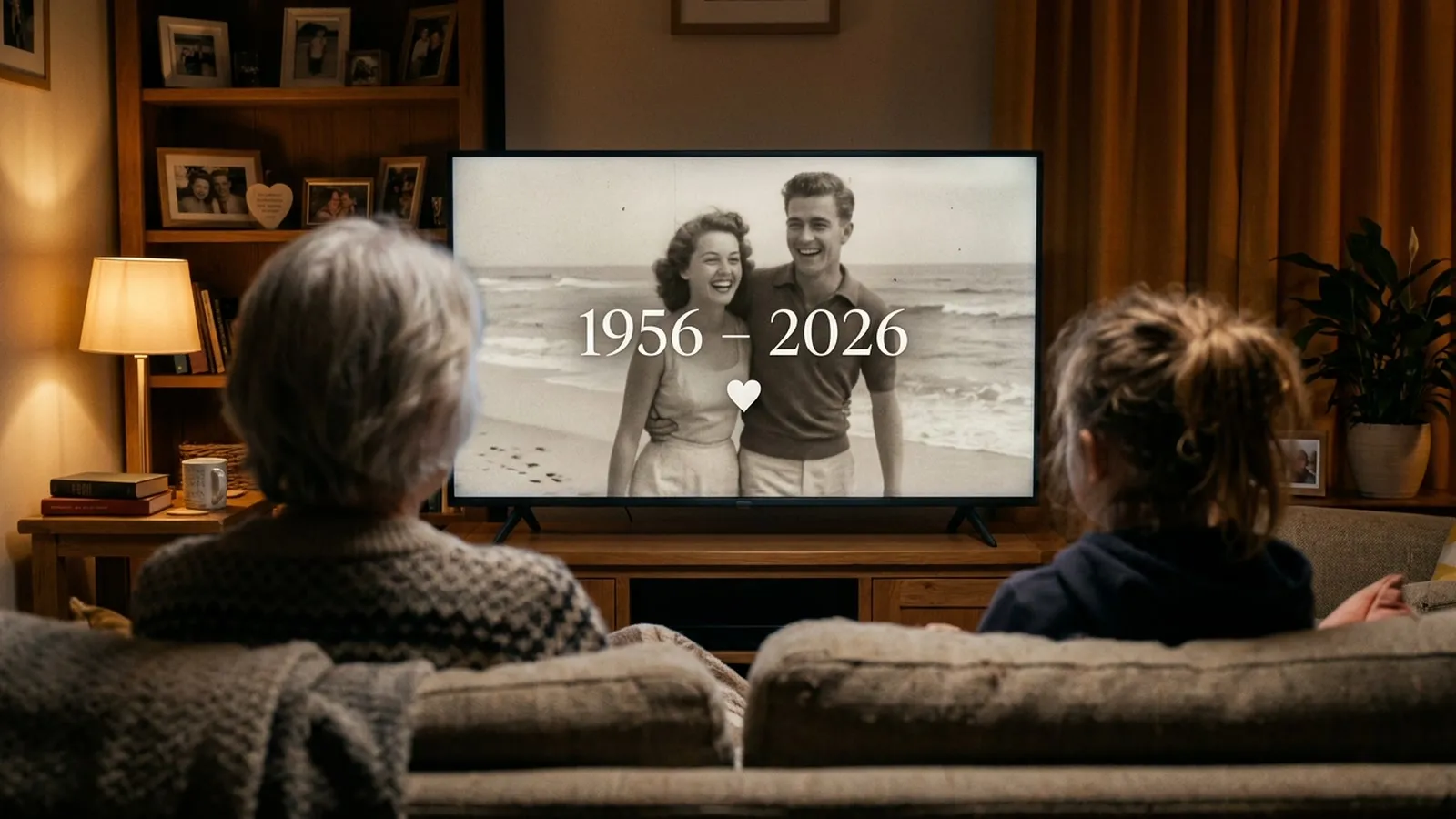
A strong opening grabs attention while a warm closing leaves a lasting impression. You can start with a custom video and end with a personal dedication in your own words.
Start with something special
The first few seconds of your video are crucial. They tell the audience to settle down and pay attention. Every video can open with a short AI opening made just for them. You choose a theme, add their name and a few words of yours, and we make the opening. It comes at no extra cost and gives the project a highly polished feel right from the start.
If you prefer a more traditional approach, you can use a photo of your own or a simple title. The opening sets the expectations. If you are making videos for a parent or grandparent, a classic and elegant start works beautifully. Take a moment to think about the tone of the event. A formal dinner needs a different introduction than a casual garden party.
| Part of the video | What you can add |
|---|---|
| The opening | A short AI video made just for them |
| The closing | A last word in your own writing |
| The titles | A name, a date or a short dedication |
Ideas that work
- 1The date and placeOpen with the date of the event and the city. It grounds the video in a specific moment in time.
- 2The inside jokeUse a funny family saying for the opening title. It instantly relaxes the room and gets a laugh.
- 3The simple thank youEnd the video with a plain thank you for everything they have done. Sometimes the simplest words hit the hardest.
- 4The birthday wishClose with a warm wish for the year ahead, signed by all the children and grandchildren.
- 5The mystery startOpen with just their first name and no other text. It builds anticipation for the photos that follow.
- 6The quote endingFinish with a short line from their favourite poem or song. It adds a beautiful touch of personality.
Write a warm welcome
The text you put on the screen should be clear and easy to read. You can add an opening and a closing card. A name, a date or a short dedication are usually enough. Keep the text brief so people have time to read it before the first photo appears. Remember that narration and subtitles are not available, so your opening words carry a lot of weight.
Do not try to tell the whole story in the introduction. Let the photos do the heavy lifting. A simple welcome message prepares the heart. Whether you choose Classic or Growing as your style, the text remains a steady anchor. It tells everyone exactly who and what they are celebrating today.
End with your words
The closing is your final word to the person you are celebrating. It is the message that stays on the screen as the music fades out. A last word at the end of the video, in your own writing, makes the whole experience deeply personal. This is the place to express your love, your gratitude or your hopes for their future.
Often, a simple message from the heart is all you need. Sign it with your names so they always remember who made this gift for them. The closing card turns a collection of photos into a deliberate and meaningful present.
Keep it very simple
When adding text to a screen, less is always more. A massive block of text can feel overwhelming and distract from the music. Stick to one or two short sentences. You can change the video after it is made. Your draft stays, so you can easily fix a typo or change the wording later. Only new animations cost anything.
Read your text out loud at a normal pace. If you cannot finish reading it before the screen changes, it is too long. The animations are made in the background, so you can close the page while it renders. We email you the moment your video is ready. Review the opening and closing carefully when you watch the draft, and adjust them until they feel just right.
Questions
How long should my opening text be?
Keep your text brief, like a name or a date, so people have time to read it before the first photo appears.
Can I add subtitles to the photos?
Narration and subtitles are not available. You can add an opening and a closing card.
Does the opening cost extra?
No. The opening comes at no extra cost.