How AI finds the best moments in a long home video
Modern tools scan hours of digitized tapes for faces, expressions, and clear audio. Here is how software separates the bright seconds from the blurry floorboards.
Eden Karpman · 1 October 2026 · 5 min read
Modern video tools scan long footage by analyzing individual frames for human faces, clear expressions, and spikes in clear sound. Instead of requiring you to scrub through hours of lens caps and dark floorboards, software identifies when people appear, tracks smiles, and extracts those short seconds for a finished video.
Why raw home video is so hard to watch
Anyone who grew up during the camcorder boom remembers how bulky cameras changed family gatherings. If you look into the history of the camcorder boom, magnetic tape was affordable, and nobody felt the need to edit in real time. A parent set the camera on their shoulder at a birthday party, pressed record, and walked around for two hours. They talked to relatives, forgot to turn the camera off, or carried it pointing straight down at the lawn.
The result is what sits on family hard drives today. You digitize a tape labelled with a summer trip, expecting a story, but you receive two unbroken hours of raw files. Half an hour shows the interior of a moving car. Another twenty minutes captures the ceiling while people talk in another room. Hidden inside that tape is a five-second clip of your grandmother smiling straight into the lens. Finding that clip manually requires sitting through hours of static and empty space. Most people run out of time on a busy evening, and the converted files sit untouched.
Detecting human presence across hours of tape
A computer does not get tired while scanning unedited footage. It reads files frame by frame far faster than normal playback speed. Simple motion detection is not enough. If the software only looked for movement, it would save footage every time someone moved the camera or a tree swayed in the wind. Effective tools look specifically for people.
- Face geometry detection: The software checks groups of pixels for eyes, noses, and mouth shapes. When it confirms a face, it notes that timestamp.
- Person tracking: The tool follows that face across consecutive frames to confirm someone is actually in the shot, rather than catching a picture on a wall.
- Frame stability checks: It evaluates whether the subject stays in view or if the camera is simply tumbling upside down.
In a two-hour tape, recognizable faces might appear for only fifteen minutes total. By skipping past the sections that contain no people, the software instantly removes forgotten lens caps, footage of the carpet, and long stretches of empty yard. The people take priority over the scenery.

Evaluating facial expressions and audio cues
Finding a face is the foundation, but not every shot of a face belongs in a finished film. A relative might be blinking, chewing dinner, or looking bored. The next step evaluates what the face is doing and how the scene sounds.
Reading shifts in expression
The software tracks movement around the eyes and mouth. When the corners of a mouth lift and teeth become visible, the system marks the clip as a possible smile or laugh. If someone raises their eyebrows quickly in surprise, that segment receives a higher priority score. The computer does not understand the family joke or why someone is celebrating. It simply registers the visual pattern of a shared happy reaction.
Listening for genuine laughter and voices
Audio analysis works alongside visual tracking. Unedited home video often features loud hums, wind noise across the microphone, or quiet television background sound. Modern tools separate spoken voices and sudden bursts of laughter from steady background static. When the visual tracker sees a smile at the exact second the audio tracker detects clean speech or laughter, that moment gets flagged as a keeper.
Filtering out degraded footage
Old magnetic tapes degrade naturally over decades. The footage often suffers from tracking errors, color bleeding, and extreme shadows. Helpful software filters out technical mistakes rather than presenting you with unusable clips.
- It skips scenes where light levels drop too low to see features clearly.
- It discards sections where video tracking distortion turns the frame into static.
- It passes over moments where direct sunlight washes out the subjects into white silhouettes.
- It ignores sharp, sudden jolts that occur when the camera operator drops their arm.
Knowing what to do with old home videos means choosing which parts deserve your attention. The tool leaves the camera shakes and technical flaws behind, saving the stable seconds where faces are lit and visible.
The limits of automated video sorting
Technology can find faces and bright smiles, but it has honest boundaries. A computer has no personal context about your relatives. It cannot know that a quiet, serious man sitting in the corner is a great-grandfather you miss dearly. It cannot tell that a quick shot of a modest front porch shows the family home right before a big move.
Software surfaces the most obvious visual moments: running children, open smiles, and birthday candles. It may skip a quiet glance between spouses because neither person smiled widely. That is why automated selection serves best as an initial pass. It eliminates the hours of wasted tape so you can focus on the people who mean something to you.
Turning long files into an event film
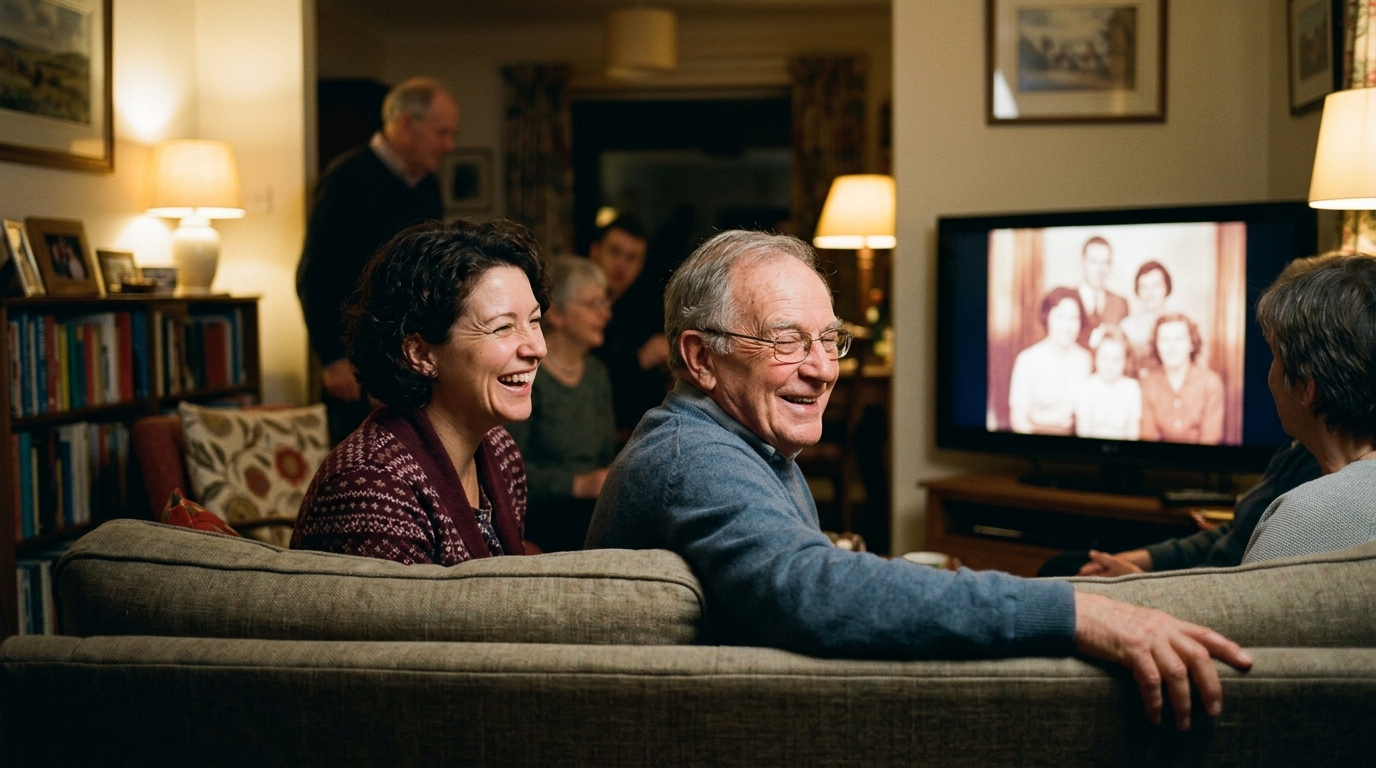
Digitized tapes rarely get watched as raw files on a hard drive. People want to share them when a family milestone approaches, like an anniversary, a tribute for a parent, or an eightieth birthday party. Watching two hours of unedited camcorder footage in a room full of guests does not work. The gathering needs a short, focused presentation that moves along with music and keeps everyone engaged.
When you prepare media for a family event, Linof repairs and brings color back to old photographs, animates still pictures into short moving shots, and combines your clips into a complete film set to music, with the first animation free to try. Choosing the right moments from hours of tape lets the room experience the highlights together without anyone having to fast-forward through dead air.
Learning how to choose photos and videos helps you pair those recovered home video clips with still pictures from the same era. A short clip of a child taking their first steps, followed by a restored portrait from that same afternoon, gives the room a complete story.
Bringing hidden moments back to life
The purpose of scanning old footage with modern tools is straightforward: it brings family memories back into regular life. Camcorder tapes were never intended to sit unseen on a shelf or forgotten in a computer folder. They were made to capture real voices, genuine smiles, and everyday family history.
By letting software do the heavy lifting of sorting through hours of dark, empty scenes, you skip straight to the parts that matter. You find the moments where parents were young, grandparents were laughing, and the family was together, ready to be enjoyed again at the next celebration.
Questions
Can AI identify specific family members in old home videos?
Software can group similar faces together across multiple files, letting you find all scenes featuring the same person. It does not know their names until you label them, but it groups them reliably once a clear face is detected.
Does software fix shaky footage while it searches for good moments?
The sorting process finds stable sections, but it does not alter the original camera motion on its own. While separate stabilization tools exist, searching software simply selects the clearest, least erratic seconds recorded on the tape.
How long does it take software to analyze an hour of home video?
Processing time depends on computer speed and video resolution, but modern tools scan files much faster than real-time playback. An hour of digitized standard-definition footage is typically analyzed in a matter of minutes.
Written by
Eden Karpman