What AI video tools can and cannot do with family memories
Modern tools can colorize photos, clean up audio, and animate still prints into moving shots. Here is how they work and when to use them for family films.
Eden Karpman · 1 October 2026 · 5 min read
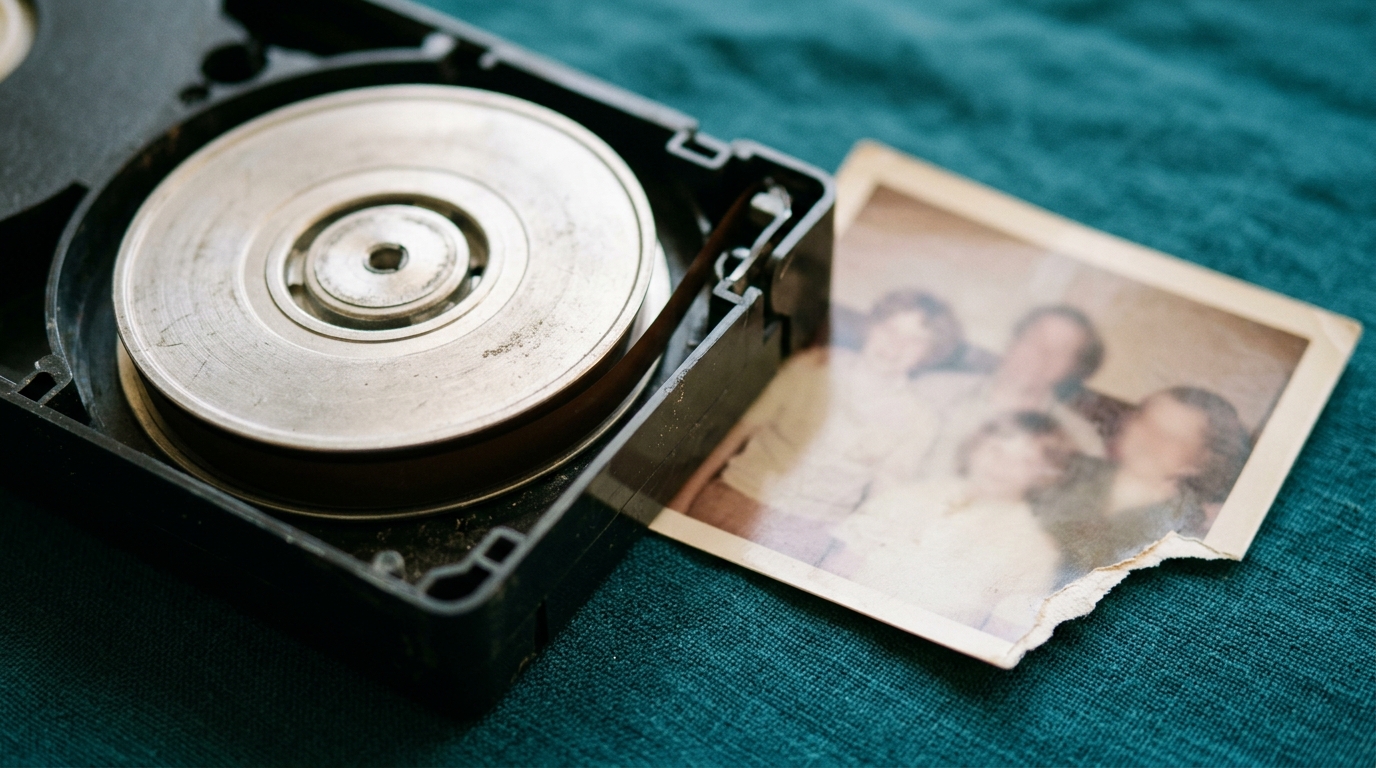
Modern tools can repair tears in old prints, bring color back to black and white snapshots, clean background hum from old camcorder audio, and animate a still portrait into a short moving shot. They cannot read your mind, guess hidden facts with certainty, or replace the original moment caught on camera. Understanding where these tools help and where they stop makes it simple to choose what belongs in a family film.
When you gather pictures for a major milestone, you are usually holding prints from several eras. Some are crisp and bright. Others are faded, scratched, or completely silent. Knowing how each tool handles your media helps you build a tribute that feels honest, lively, and warm.
Repairing scratches, tears, and faded color
Old physical photographs suffer from everyday life. Prints kept in wallets crease across faces. Albums stored in damp basements lose contrast or develop yellow stains. When you scan these prints, modern restoration tools look at the clear areas around a scratch or tear and gently bridge the gap.
What physical repair does well
- Blends fine cracks and fold lines across flat surfaces like clothing, sky, and walls.
- Cleans away dust specks, adhesive residue, and surface scuffs from glass scanner beds.
- Smooths water stains while preserving the posture and shape of the people in the frame.
If half of a face or an entire background corner is missing, the software estimates what to insert. For a film celebrating a milestone, a cleanly repaired snapshot lets the room focus on the person rather than the damage. You can read more about caring for old paper pictures in our guide to restore old family photos.
Bringing color to black and white snapshots
Black and white portraits carry an inherent historical weight. Because human eyes experience the present day in full color, a monochromatic picture can sometimes place an ancestor into a distant chapter. Adding natural tones shifts that perspective immediately.
Software colorizes an image by recognizing textures and lighting. It recognizes foliage as green, sky as blue, and skin as warm peach or brown. The result is an interpretation rather than an absolute historical record. The program might give a jacket a navy hue when the fabric was actually forest green. Used with care, color helps a younger audience at a party relate to an ancestor as someone who lived in the same vibrant world they do today.
Cleaning up noise and static on vintage video
Camcorders from the late twentieth century relied on magnetic tape that naturally degrades over decades. When you convert VHS to digital, the resulting files often carry tape hiss, tracking flutter, and dull resolution recorded under low indoor bulbs.
Enhancement software sharpens soft silhouettes and suppresses the rhythmic hiss of camera motors. It makes quiet speech at kitchen tables audible over refrigerator hums. The boundary is detail that was never recorded. If a parent's face in the distance is only six blurry pixels, sharpening software cannot invent their exact expression without drifting into guesswork. Keeping video clips short and pairing them with strong, clear photos keeps the pace of your screening bright.
What photo animation actually is
One of the most meaningful developments in family media is photo animation. An animation of an old photo is a short moving shot made from the still image, showing how the moment might have moved. The software identifies the person's eyes, cheekbones, and posture, creating a few seconds of gentle movement such as a natural blink, a slight tilt of the head, or the beginning of a smile.
It is helpful to keep its role clear: - It is a creative way to bring a still moment into a moving film. - It gives viewers the feeling of looking at a living subject rather than a static slide. - It is not a historic documentary video clip. - It is not a replacement for your original print.
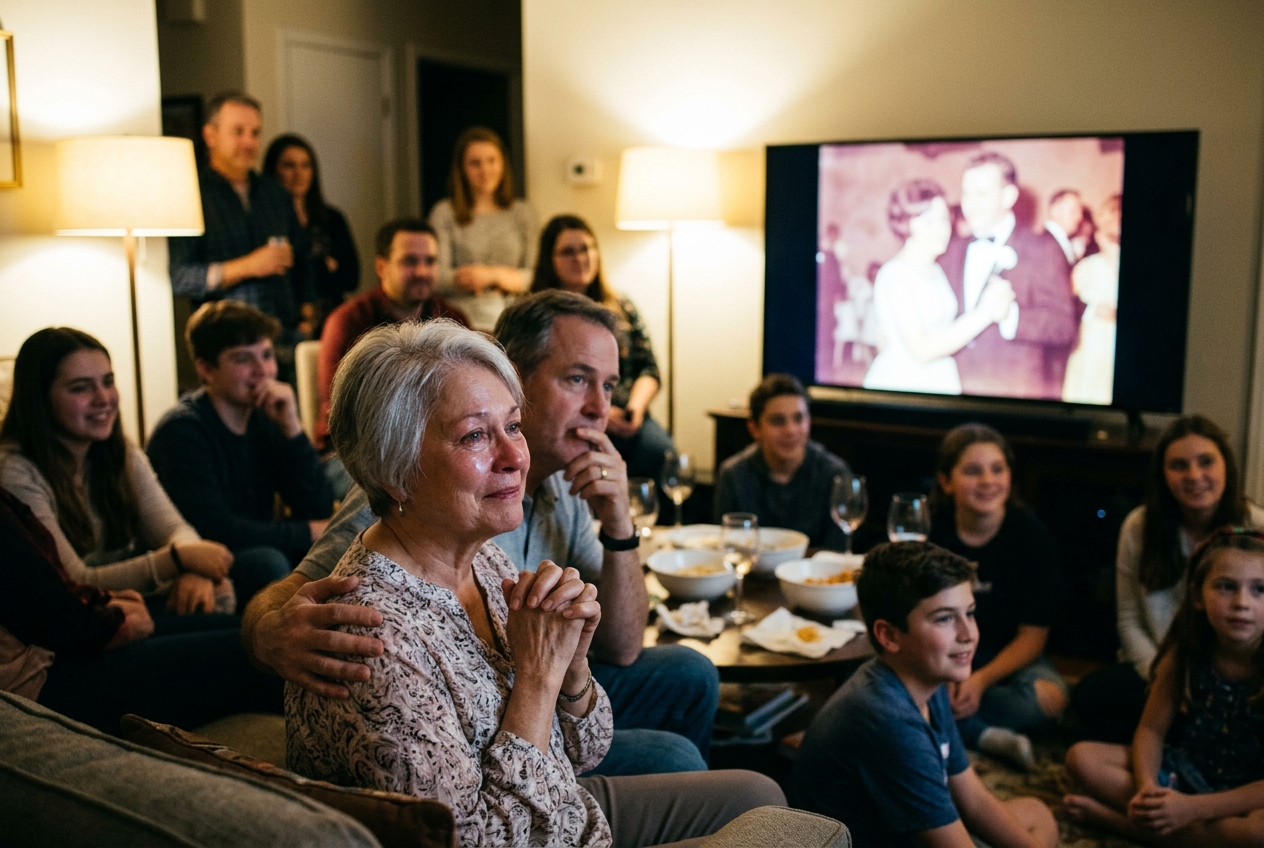
Families often choose one or two beloved portraits to animate for an event, such as a high school graduation picture for a retirement party or an early wedding portrait for a golden anniversary. Watching a grandmother from sixty years ago gently lift her chin brings genuine warmth to the room.
When to animate photos for an event film
Photo animations work best when placed thoughtfully among still pictures and original home video clips. Rather than animating an entire album, select key turning points in the story.
- The opening introduction: A moving shot of the guest of honor as a young child or toddler makes a striking opening image before transitioning into childhood snapshots.
- The couple's first years: For an anniversary celebration, animating the formal wedding portrait gives the celebration an immediate emotional anchor.
- Honoring ancestors: In a memorial tribute, bringing a gentle nod or smile to a portrait of someone who passed away long ago helps great-grandchildren feel close to their roots.
Linof turns a family's photos and videos into a short film for birthdays, anniversaries, and tributes, repairing damaged prints and animating chosen stills into moving shots, and your first animation is free.
Keeping your original files safe
Whenever you use modern tools to color, repair, or animate photos, always keep your original untouched scans secure. Think of your raw digital scans as your permanent archive.
Save the direct scans from your scanner or transfer service in a master folder that you never alter. Label it clearly with names and years. Then, make a working copy folder where you experiment with cropping, colorizing, and animation. If tastes change decades from now, you will still have the authentic, unedited image preserved exactly as it appeared on paper. Storing a duplicate copy on an external drive or cloud service protects against loss.
Practical tips for choosing media
To build a film that holds everyone's attention from the first song to the final applause, variety matters more than technical polish.
- Mix eras naturally: Blend black and white childhood prints, early color snapshots, and short video clips to show real time passing. Our guide to choosing photos and videos walks through balancing each stage of life.
- Prioritize clear expressions: A slightly scratched photo with a huge, genuine laugh is always better on screen than a pristine, formal studio portrait where the subject looks uncomfortable.
- Check face visibility: For animations, choose portraits where the person looks directly toward the lens without heavy shadows across the eyes.
Modern digital tools provide creative options that previous generations never had. By using repairs to clear away physical damage, bringing soft motion to special portraits, and keeping your master archive safe, you can give your family an anniversary or birthday screening that honors their history with total warmth.
Questions
Does animating an old photo change the original file?
No, the animation creates a separate video clip from your image. Your original photo file remains untouched and unchanged in your storage.
Which photos work best for moving animations?
Portraits where the person faces forward with clear lighting across their eyes and mouth work best. Avoid photos where large hats, sunglasses, or heavy shadows cover the face.
Should I colorize every black and white photo in a tribute film?
You do not need to colorize everything. Leaving some original black and white prints adds historic charm and variety to your film, while colorizing a few key portraits helps modern viewers connect.
Written by
Eden Karpman