Using AI to transcribe and search old family videos
Learn how speech recognition tools can turn unsearchable digitized tapes into text, letting you pinpoint specific names, jokes, and family stories.
Eden Karpman · 1 October 2026 · 4 min read

To transcribe and search old family videos, you convert your recordings into digital video files and run them through a speech-to-text program. The software listens to the audio track and generates an indexed text document tied to exact timestamps. You can then search for a relative's name, a familiar phrase, or a town where your family once lived, jumping straight to that second in the footage without sitting through hours of tape.
The challenge of unindexed tapes
Finding a single moment on an old family tape used to require an entire weekend. You sat by a television or monitor, fast-forwarding through stretches of out-of-focus lawn, blurry ceilings, and forgotten road trips. Tapes held hours of video recorded at different speeds. When you multiply that by a stack of cassettes from the eighties and nineties, watching everything straight through is simply impractical.
Most people know what is generally on their tapes. You remember that a cassette contains a holiday dinner or a summer trip to the lake. The problem is knowing where the genuine stories begin. Searching through hours of background noise to find a five-minute toast from your grandfather often leads people to give up before they even start. Figuring out what to do with old home videos starts with knowing what was actually recorded.
Step 1: Digitize your tapes
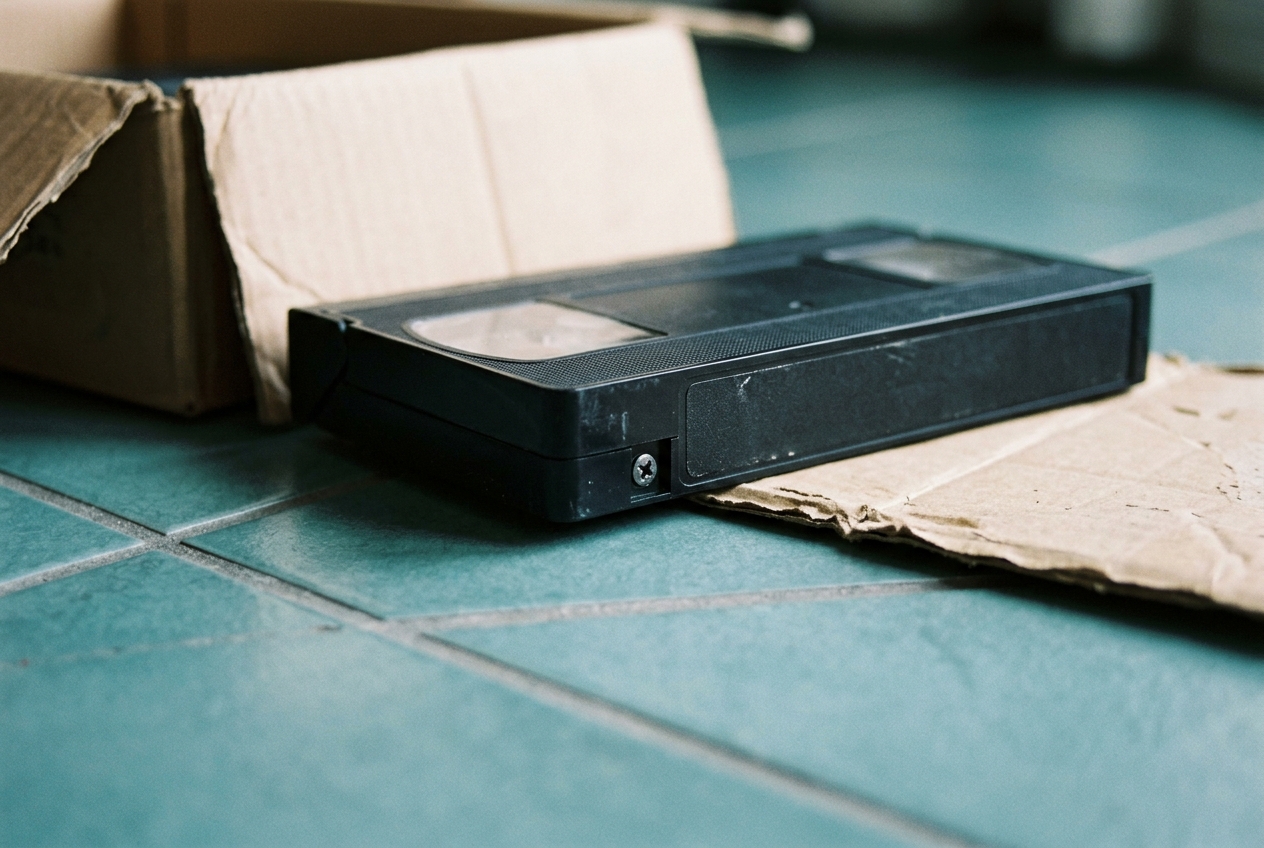
Speech recognition software cannot process a plastic cassette sitting on a shelf. Your media must be converted into a standard digital format first, such as an MP4 or MOV file. You can transfer tapes yourself with a video capture device or send them to a lab that handles format transfers.
Audio clarity during the transfer process matters. If an audio cable was loose during the conversion, the resulting sound can be muffled or distorted. Clean sound gives the transcription software the best possible chance to distinguish spoken words from room echo and background tape hiss.
Step 2: Run speech recognition tools
Modern transcription tools rely on speech recognition models that analyze spoken patterns and convert them into text. Many standard video editing programs, operating systems, and automated transcription services now include this feature natively.
- Move your digitized video files into your transcription program.
- Select the spoken language of the video.
- Let the processor analyze the audio track in the background.
- Export the resulting text file along with the corresponding timecodes.
The export is usually a plain text file or a subtitle file, like an SRT file. Each line of dialogue includes the exact hour, minute, and second it was spoken on the tape. You can open this file in any text editor and press your computer search shortcut to look for words like "birthday," "wedding," or a nickname only your family used.
The limits of old camcorder audio
Automated transcription is helpful, but vintage home recordings present real technical hurdles. Microphones built into early home video cameras were designed to pick up everything in the room. They captured the whirring of the internal camera motor, the wind blowing across the lens, passing cars, and the clatter of forks on dinner plates.
When three people talk at the same time across a crowded holiday table, the software will make mistakes. It might turn names into nonsense words, skip whole phrases, or misinterpret muffled voices. If someone spoke away from the camera, the software may generate a blank space.
Treat the generated text as an index rather than an official legal transcript. It gives you a fast way to locate the right section of the video. You will still want to jump in and listen with your own ears to catch the nuances of what was said.
Keeping your digital files organized
Once you have generated text transcripts for your video collection, you need a straightforward storage method. Having unorganized text files spread across a computer hard drive causes the same confusion as an unorganized box of tapes. When you organize digitized family videos, keeping transcripts linked to their source files makes your archive easy to navigate.
- Put the video file and its text document in the same folder.
- Give both files the exact same name, matching the date and event, such as "1994-August-Family-Reunion."
- Save key quotes or a list of speakers into a text file at the root of the folder for fast searching across your entire library.
When your computer indexes these text documents, typing a search term in your desktop search bar will show you the exact folder and video where the phrase appears.
Finding highlights for special events
Locating meaningful stories and conversations makes it much simpler to create something meaningful for an upcoming event. When families plan a celebration or a milestone tribute, they often want to share short excerpts rather than asking a room full of guests to watch raw, unedited footage. Linof turns your family photos and digitized video clips into a short film with music and titles, and the first animation is free to preview. Pairing short clips of real conversation with family photographs helps bring the full picture of someone's life into focus for everyone in the room.
Hearing the voices again
Looking at an old photograph brings back visual memories, but hearing a person's voice brings a different kind of connection. Hearing their pacing, their laughter, and their specific choice of words preserves a part of your family history that photos cannot convey alone. Using automated tools to index your digitized tapes removes the friction of endless fast-forwarding, turning an overwhelming collection of unviewed footage into stories you can revisit and share whenever you want.
Questions
Can AI tools transcribe tapes with heavy background noise?
Tools can still pick up clearly spoken words, but heavy noise like wind, tape hiss, or overlapping chatter will cause mistakes. Treat the transcript as a rough index to guide you to the right timestamp rather than a word-for-word record.
What video file format works best for automated transcription?
Standard MP4 or MOV files with uncompressed or high-bitrate AAC audio work reliably with almost every modern tool. If your video files are very large, you can also export just the audio track as an MP3 or WAV file to speed up the process.
Can I search for people who do not speak on camera?
Speech transcription only tracks spoken dialogue, so it cannot index people who appear silently. However, you can often find quiet relatives by searching for instances where other people call them by name or talk to them off-camera.
Written by
Eden Karpman