Passing down family photos and videos to the next generation
Learn how to sort, digitize, and share your family archive so your children and grandchildren actually keep it.
Raya Deutsch · 1 October 2026 · 5 min read
The most effective way to pass down family photos and videos to the next generation is to curate and digitize the collection before you hand it over. Handing someone a heavy plastic bin filled with unsorted prints and mystery cassettes turns your family history into an overwhelming chore. Taking the time to select the core moments, convert the fragile media to digital files, and label them clearly ensures your memories will actually be watched, valued, and preserved.
Why plastic storage bins do not work
Most families keep their physical archive in a closet, a dry basement, or under a bed. It usually contains heavy magnetic albums, shoeboxes of loose prints, and videotapes in formats nobody owns players for anymore. When you hand that bulk collection directly to adult children or grandchildren, you pass along a burden.
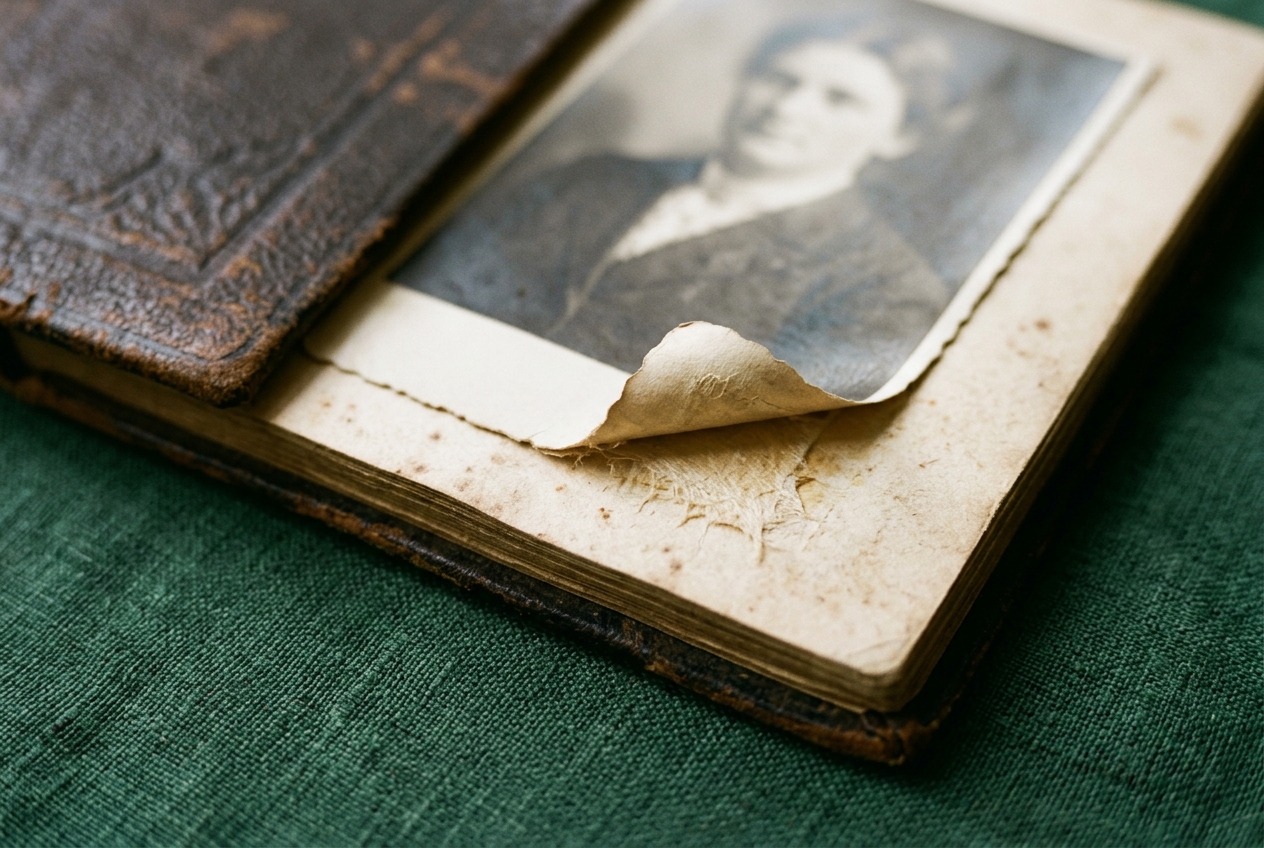
The next generation often lives in smaller apartments and moves more frequently. Even when they care deeply about family roots, they lack the space to store three plastic crates of unlabelled media. Furthermore, magnetic tapes and drugstore prints degrade over time. Color dyes shift toward pink or yellow, and tape coatings break down. If preservation waits until someone finds a working camcorder or buys a dedicated scanner, the recordings might be lost. Doing the curation yourself protects the moments while the physical prints and tapes are still clear.
Choosing the core collection
Opening several large containers at once can feel paralyzing. You will find double prints from holiday trips, out-of-focus scenery, and pictures of distant acquaintances whose names nobody remembers. You do not need to preserve every snapshot to protect your family story.
Set up a simple sorting routine. Spread out clean workspace and look only for the essential items:
- Clear portraits of parents, grandparents, and children at different life stages
- Candid family gatherings, birthday dinners, and holiday meals
- Front porch scenes, family cars, and childhood bedrooms that anchor a time and place
- Meaningful video clips showing how loved ones walked, laughed, and spoke
Set aside duplicate prints, distant landscape shots, and dark frames where faces are hard to see. Focusing your energy on several hundred meaningful items allows you to finish the project. A modest collection of well-chosen photographs tells a clearer story than thousands of disorganized files.
Moving from physical media to digital files
Once you have selected your core items, convert the physical pieces into digital formats. For paper prints and color slides, use a flatbed scanner or a dedicated slide scanner. Clean the glass with a lint-free cloth and scan at a high resolution so future generations can enlarge the images if needed.
Videotapes demand working playback hardware. If you still have a functioning VCR or camcorder alongside a computer capture card, you can learn how to convert VHS to digital at home. However, magnetic tapes grow brittle with age and can snap in dusty equipment. If you prefer to hand the fragile tapes to experienced technicians, our sister lab Photo Linof has digitized family tapes, film reels, and photos in Israel for three generations.
When cleaning up old digital scans, gentle adjustments help. Removing a scratch or balancing faded tones brings back clarity. Avoid excessive automatic filters that blur natural skin texture. Always save an unedited scan as your master archive before making any visual adjustments.
Organizing the digital files so people can find them
A hard drive full of files named with random numbers and letters rarely gets opened. To make the collection easy to explore, establish a clean, consistent folder layout.
- Create main folders by decade, such as 1970s, 1980s, and 1990s.
- Inside each decade, add subfolders for specific years or major events, such as 1984-Summer-Lake-Trip or 1991-Dan-Graduation.
- Rename individual files using a simple format: Year-Month-Description. For example, 1978-06-Grandma-Ruth-Kitchen.jpg.
Adding these details directly into file names guarantees that the names and dates stay attached to the pictures, even if the files are copied onto different computers later. If you have hours of home movies to arrange, our guide to organize digitized family videos provides extra tips on managing large collections.
Safe storage and sharing
Never rely on a single USB thumb drive to carry your entire family archive. Thumb drives are easy to misplace, easy to wash accidentally in a pocket, and prone to silent chip failure. Redundancy is the only reliable way to protect digital files.
Follow the standard backup rule by keeping three copies of your library. Keep one working copy on your primary computer. Keep a second copy on a portable external hard drive stored safely in a desk drawer. Store the third copy in a secure cloud storage account. Cloud storage allows you to share links easily with relatives living in other cities or countries, who can download their own copies directly to their phones and computers.
Bringing the collection to life
Preservation keeps files safe, but family history needs to be experienced. Young people may rarely spend an entire evening clicking through several gigabytes of folders on an external drive. They connect more easily when the best material is brought directly into view.
To make an upcoming milestone or reunion memorable, you can turn your favorite photos and home video clips into a short film with Linof, where old pictures can be repaired, recolored, and animated into short moving shots set to music, with the first animation free to try.
Presenting a three-minute highlight video during a gathering captures attention immediately. It introduces younger relatives to family members they never met in person and sparks questions about earlier decades.
Making the handoff in person
Sending a cloud link through a text message is convenient, but the real handoff happens when you sit down together. Once the files are digitized and organized, invite your children or grandchildren over for an afternoon.
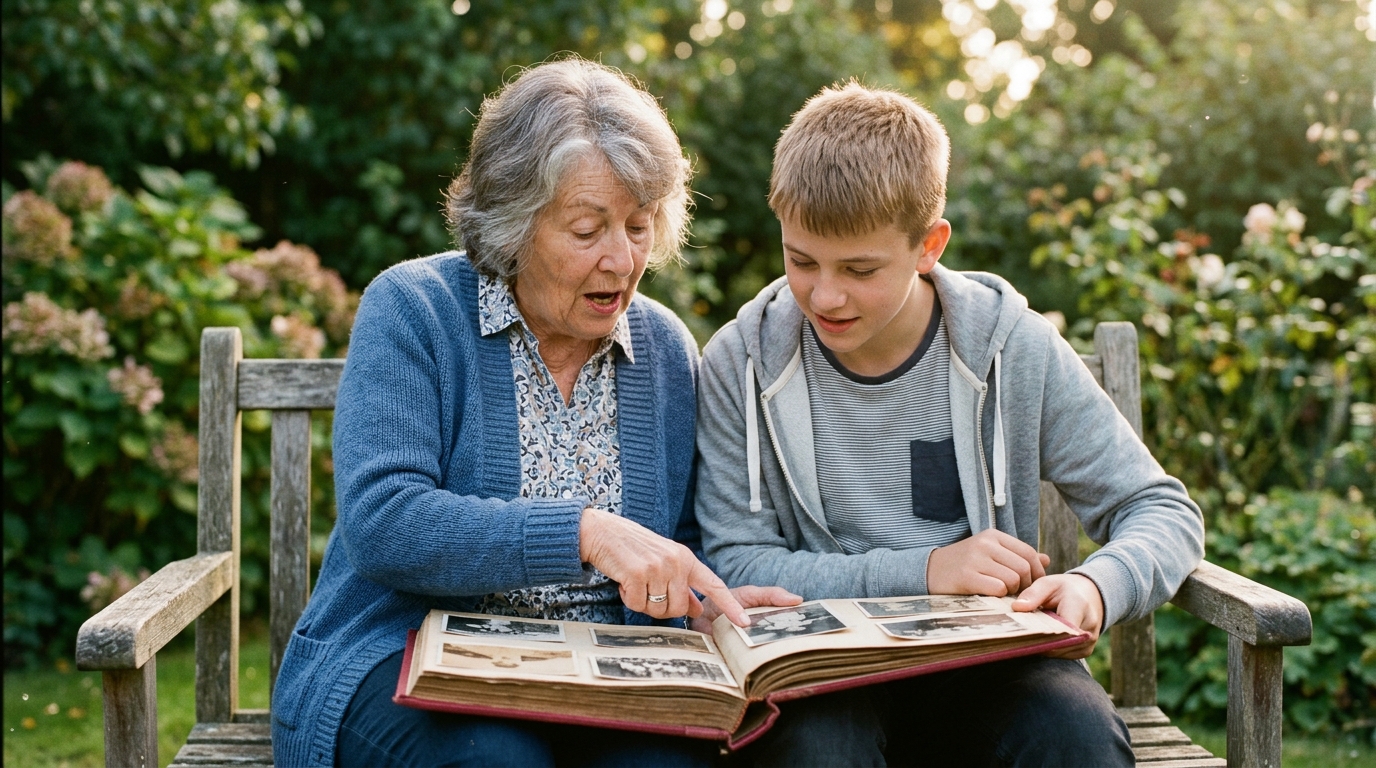
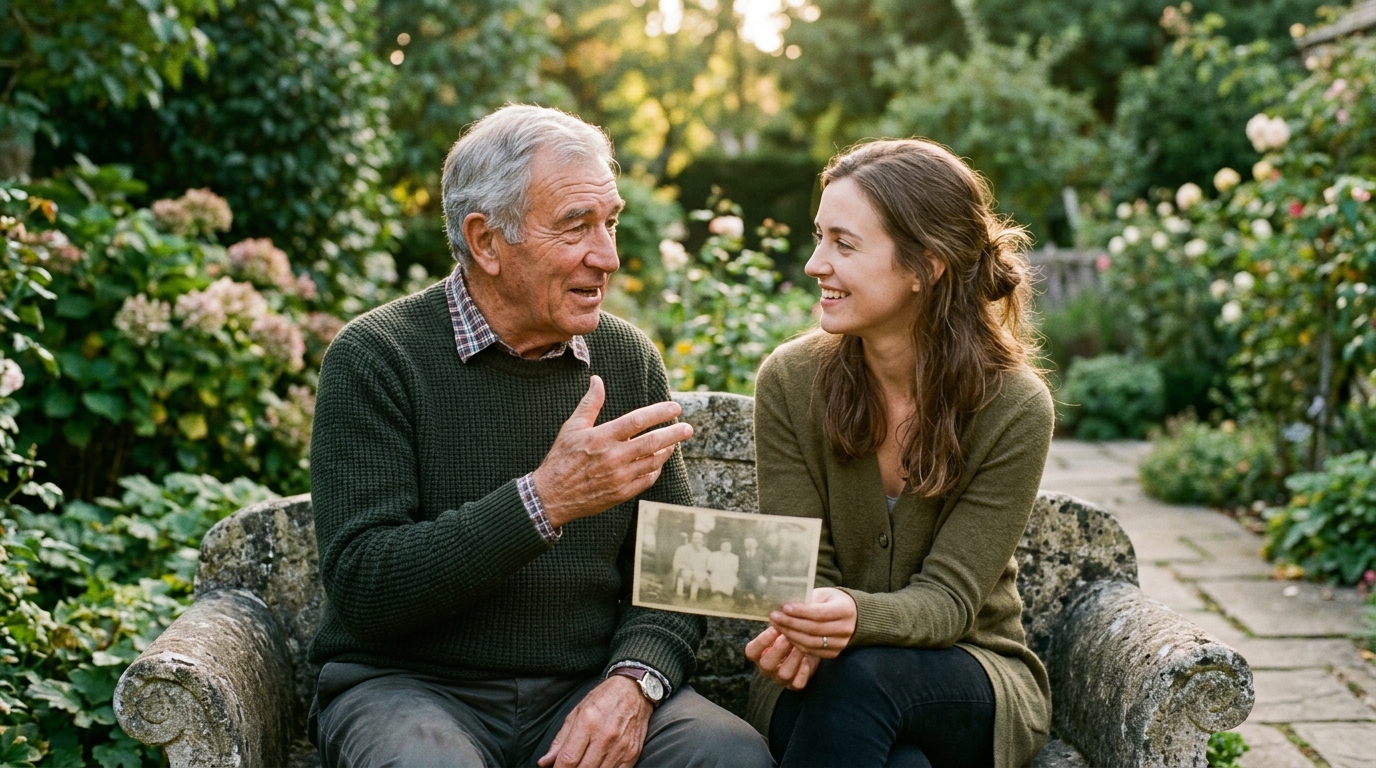
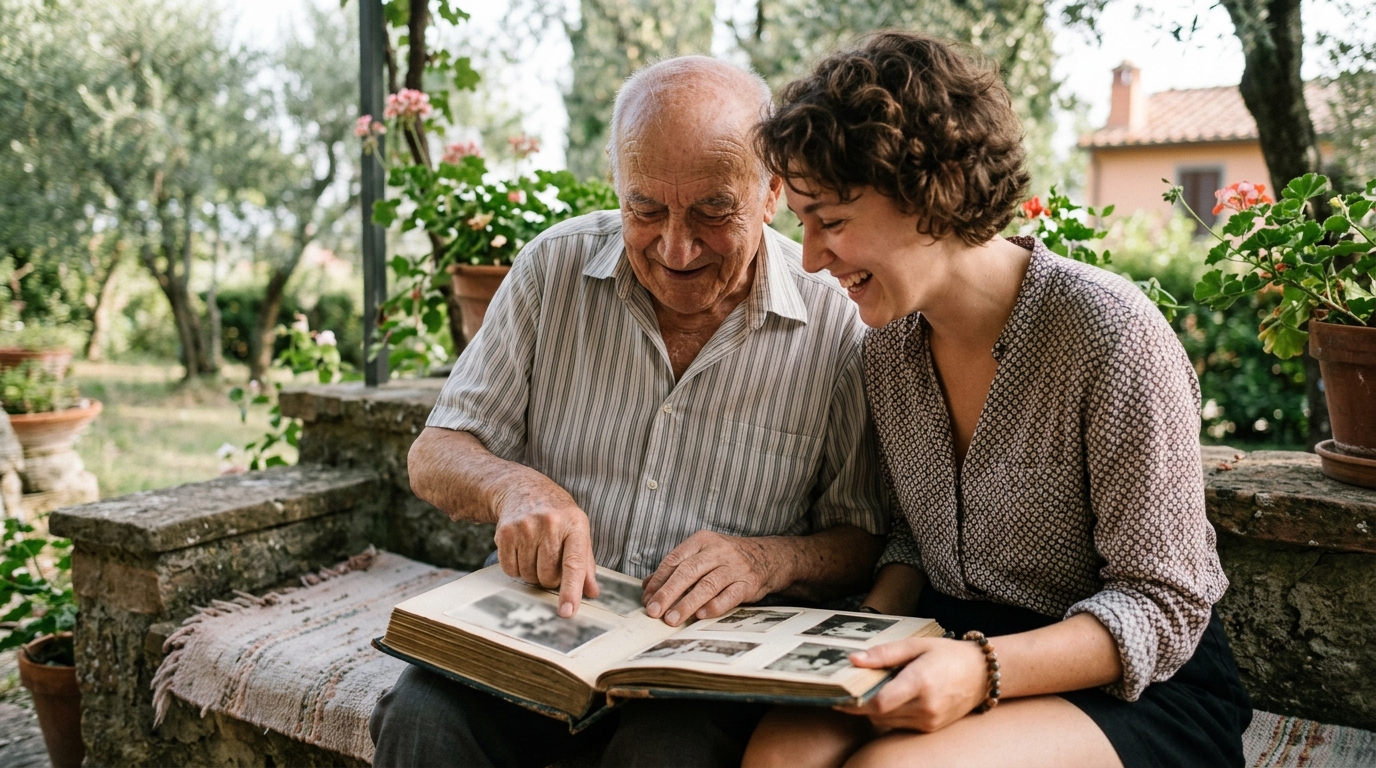
Bring out the few cherished physical albums you kept alongside the digital files. Open the folder of digitized clips and play three or four short home movies. Name the aunts, uncles, and family friends on screen. Explain where the family lived at that time, what challenges they faced, and why those particular years mattered. When you supply the voices and stories behind the images, you transform ordinary media files into an enduring family legacy that the next generation will proudly carry forward.
Questions
What should I do with physical photos after digitizing them?
Keep the most meaningful prints in acid-free archival storage boxes, away from heat and direct sunlight. You do not need to keep every blurry duplicate, but preserving the core original prints gives your family physical heirlooms alongside digital backups.
How should I label digital files so the next generation understands them?
Use a clear, chronological naming structure such as Year-Month-Event-Person. This ensures the date, location, and people pictured remain obvious even if the files are moved between different devices or folders over time.
What is the safest way to store digitized family media long term?
Store your collection in three separate places: your computer hard drive, a dedicated external backup drive, and a secure cloud storage service. Having multiple copies protects your family memories against hardware failure, loss, or accidental deletion.
Written by
Raya Deutsch